Acer Chromebook R 11 CB5-132T-C9KK Battery Replacement
ID: 154888
Description: This guide will show you how to replace the...
Steps:
- Turn the laptop over so that the backside is facing up.
- Use a Phillips #0 screwdriver to remove nine screws along the perimeter of the back case.
- Use an opening tool to pry the case around the perimeter and gently release the clips attaching the back case to the front.
- Lift the back case off of the Chromebook.
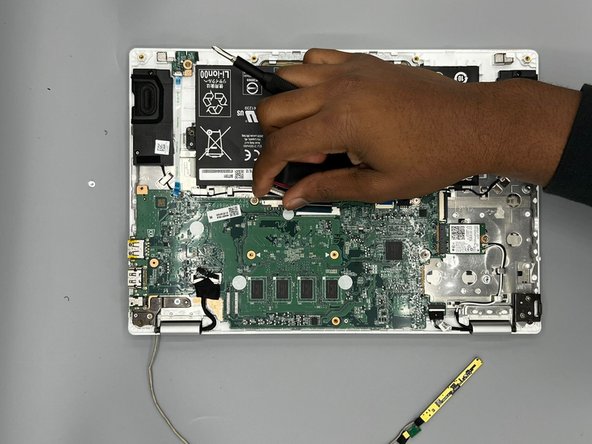
- Use a Phillips #0 screwdriver to remove two screws on either side of the battery.
- Use the tip of a spudger or your fingernail to flip up the small locking flap. Then, you can safely pull the cable out to disconnect the battery from the motherboard.
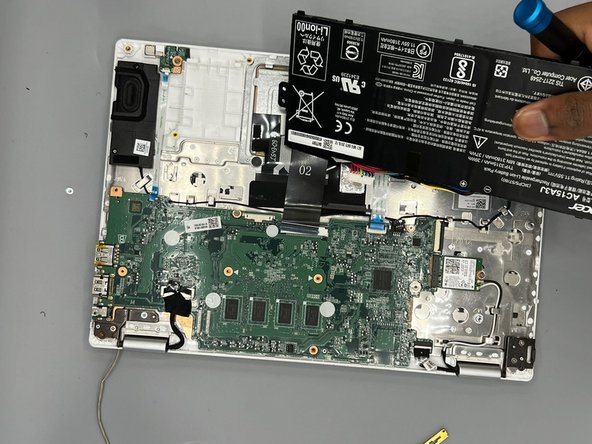
- Remove the battery from the Chromebook.