PDP Rematch Action Buttons Replacement
ID: 171898
Description: If your action buttons (the buttons labeled X,...
Steps:
- Grip one side of the controller firmly.
- Insert an opening pick into the crease between the faceplate and the body of the controller.
- Once the pick creates a gap in the crease, gently insert another pick into a different section of the crease.
- Carefully move the picks along the controller's crease line until you hear a popping sound.
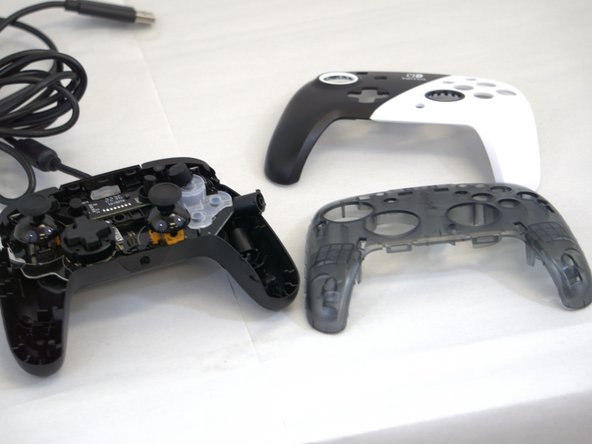
- Gently lift off the faceplate by hand.
- Remove the 8 mm screws from the hard cover using a JIS #00 screwdriver.
- Since the screws have been removed, avoid shaking or moving your controller too much to prevent other buttons from falling out.
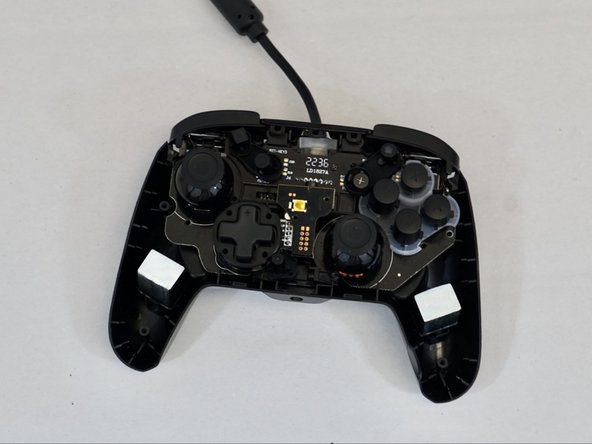
- Gently lift off the hard cover with your hand; it should not need much force.
- Optional: Use a cotton pad or cotton swab with some alcohol to gently clean any debris.
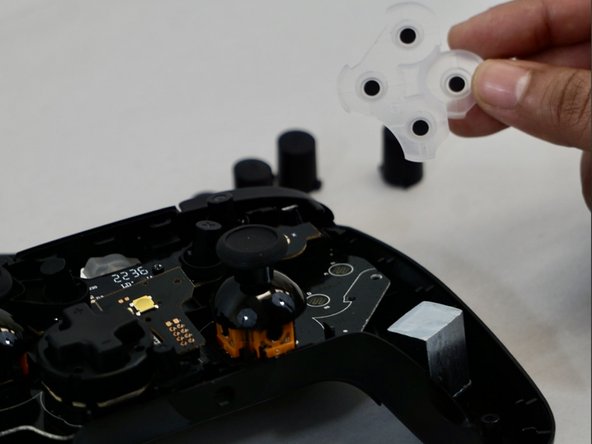
- These buttons are not connected to the device and will fall out, so be careful.
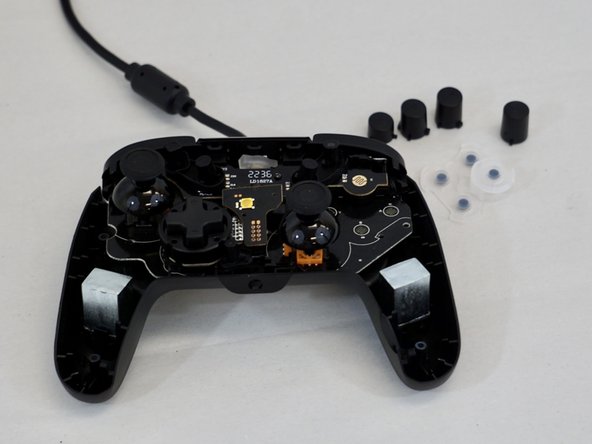
- Carefully remove the buttons from the device and set them aside.
- From here, you can do a deeper clean, or replace them.
- The clear plate will not sit right or click into place if the buttons are not aligned straight.