JBL Pulse 4 Outside Casing Replacement
ID: 171949
Description: Before diving into the repair process, let's...
Steps:
- Power off the device before doing any repairs.
- Hold the power button for 3+ seconds to power down the device.
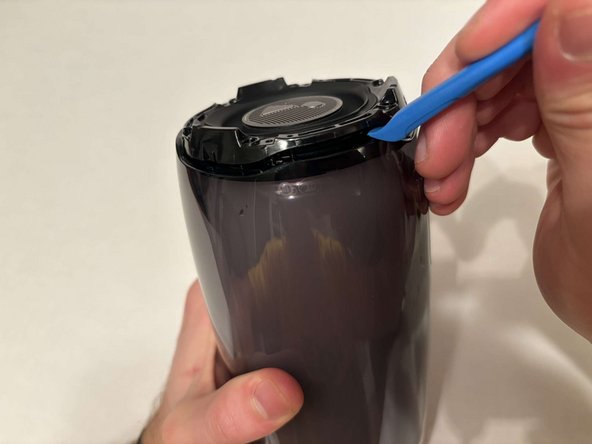
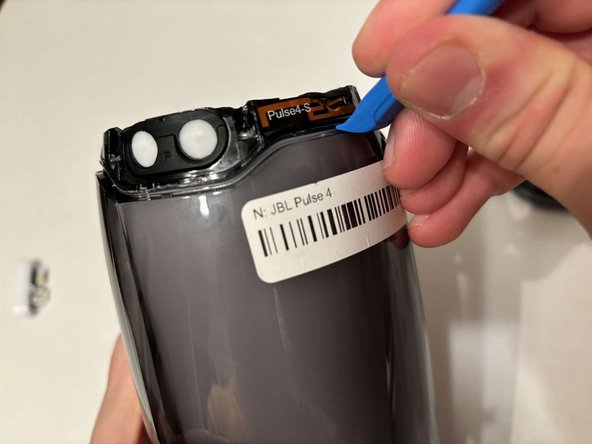
- Remove each rubber end cap using a plastic pry tool.
- Go around each end of the speaker slowly popping up a small section of the rubber cap until there is a gap on all sides.
- Remove the top by hand.
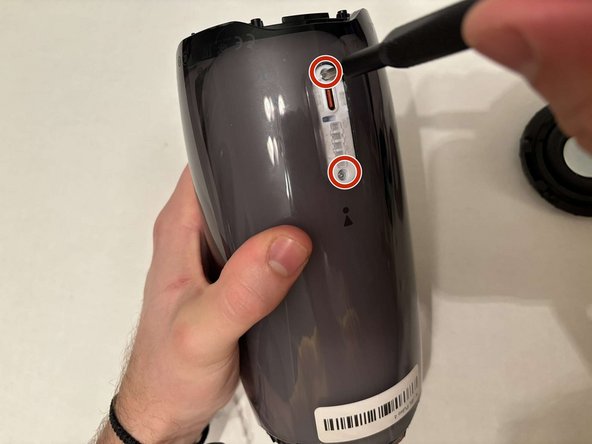
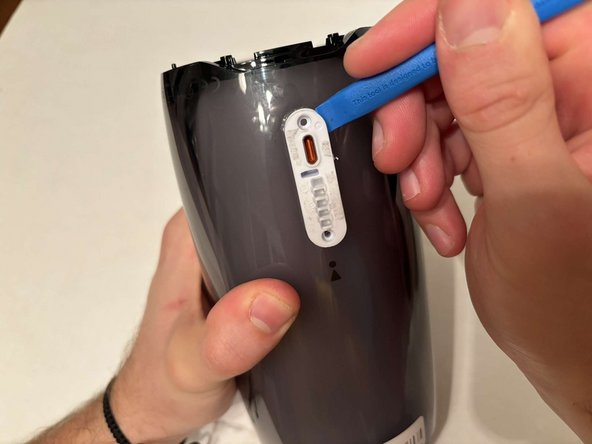
- Remove the charging port cover using a plastic pry tool.
- Remove the two 12.7 mm Phillips #1 screws.
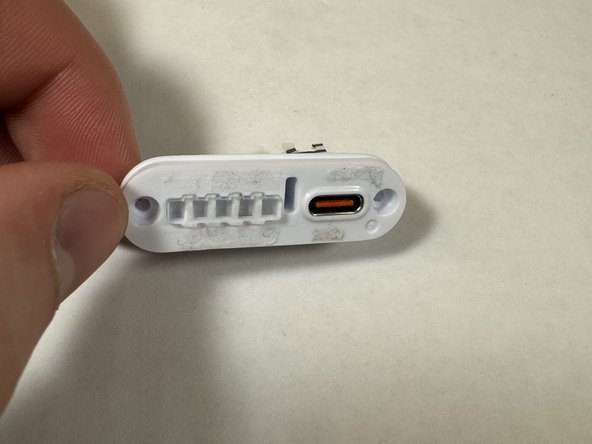
- Remove the charging port housing from the casing.
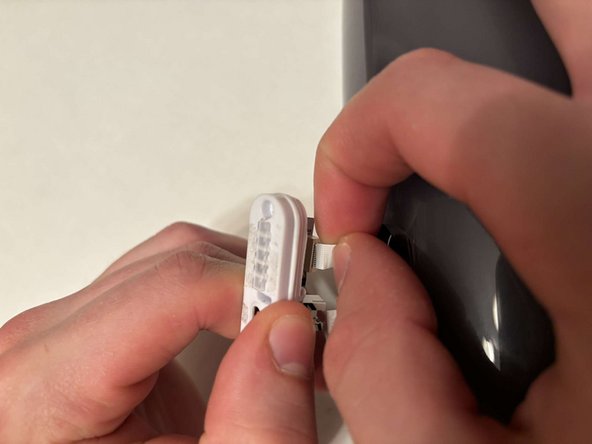
- Disconnect the charging port connector by pulling the connector away from the port.
- Disconnect the battery level indicator light by pulling the wire away from the lights.
- Remove the six 8 mm Phillips #1 screws from the end of the speaker with the grill that says "JBL."
- Remove the plastic piece where the 6 screws came out of.
- Remove the six 9.5 mm screws using a Phillips #1 screwdriver.
- Flip the speaker to the other end.
- Use a pry tool to pry between the casing of the speaker and the internals.
- Go around the entirety of this end of the speaker slowly prying apart the two pieces.
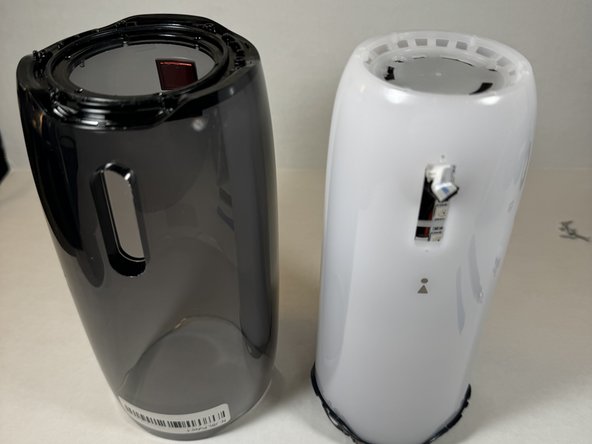
- The casing is now fully detached from the internal components.
- You can now replace the outer casing of the speaker.