Shark Navigator Lift-Away Zero-M Belt Replacement
ID: 171971
Description: Use this guide to replace your vacuum belt. A...
Steps:
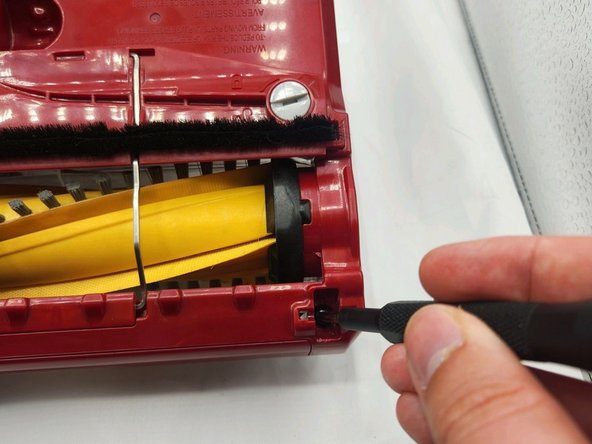
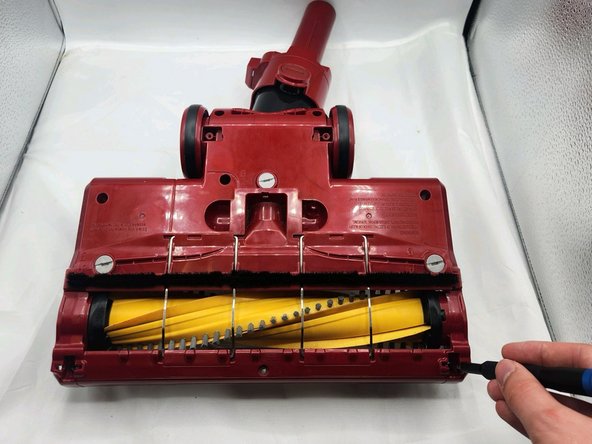
- Use any object with an edge to twist the three locks counterclockwise to the "unlocked" position.
- Use a Torx TR6 screwdriver to remove all ten 10 mm screws.
- These are security Torx screws.
- Remove the two small power nozzle wheels.
- Use a Torx TR6 screwdriver to remove the 10mm center screw.
- Use a Torx TR6 screwdriver to remove the two 10 mm screws that were hidden by the power nozzle wheels.
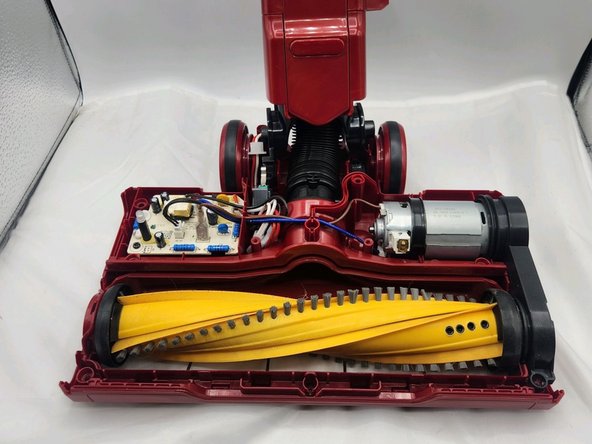
- Lift the clear plastic brush roller housing up and off of the unit.
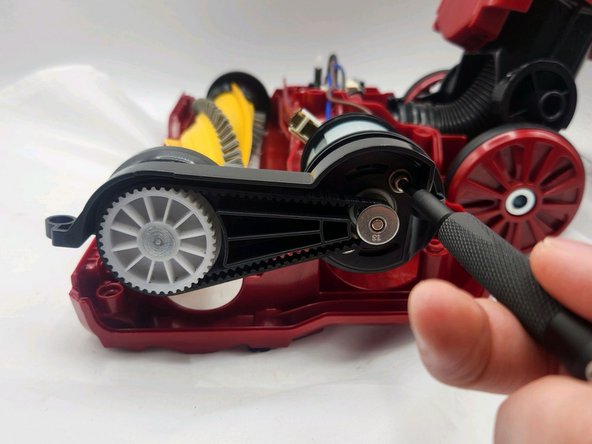
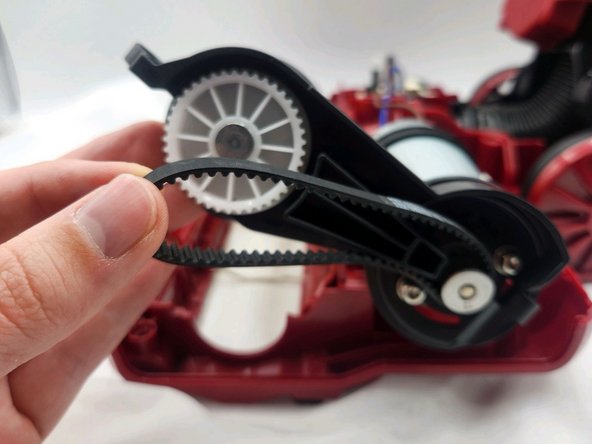
- Use a Torx TR6 screwdriver to remove the two 10 mm screws that secure the belt.
- Remove the belt.