8BitDo Ultimate Wired Motherboard Replacement
ID: 171991
Description: You can access the motherboard with this guide...
Steps:
- Orient the controller such that the back of the controller is facing you.
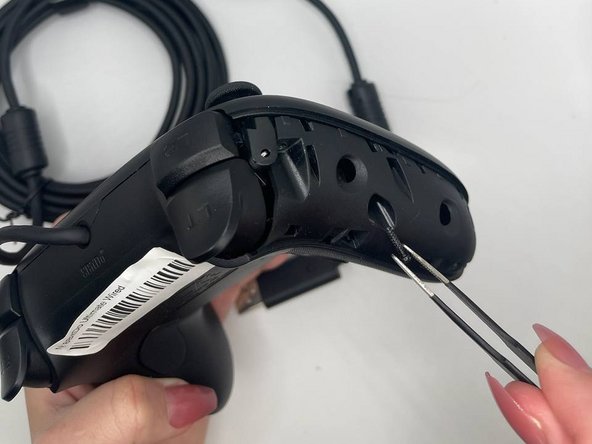
- Insert an opening tool into the small opening on the back of the grip, and gently pry the grip cover away until it pops free.
- Pry the other grip panel off using the same method.
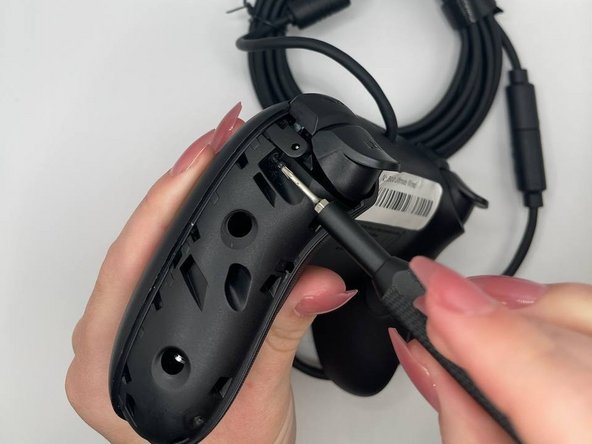
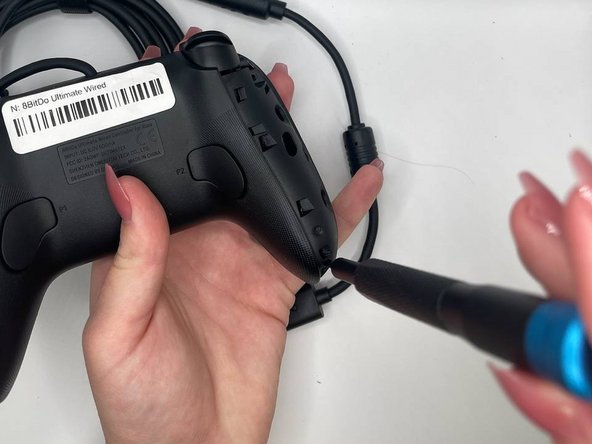
- Use the TR6 Torx Security screwdriver to remove the top left 10.44 mm torx screw on the backside.
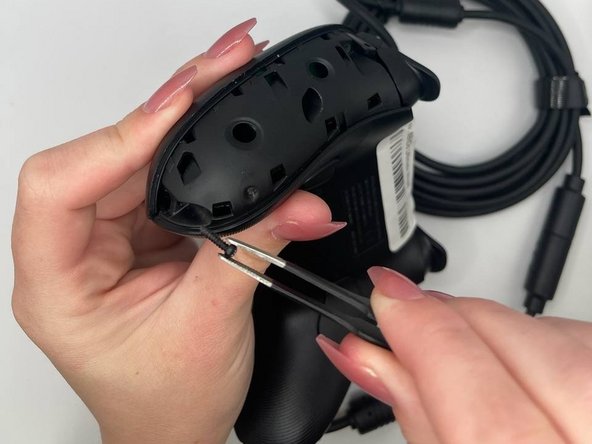
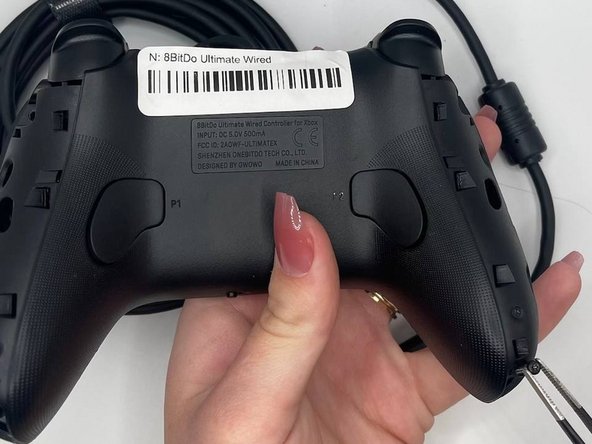
- Use tweezers to remove the screws (optional).
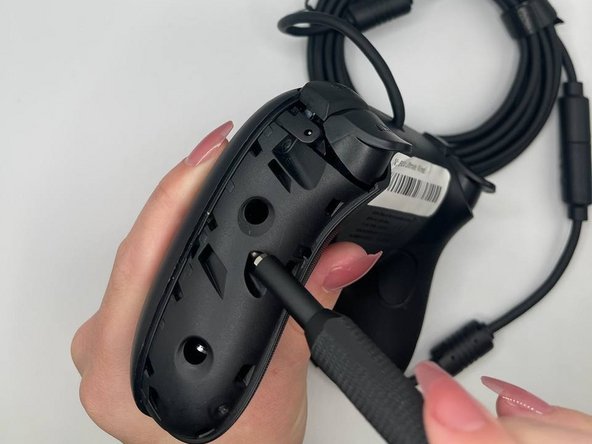
- Use the TR6 Torx Security screwdriver to remove the middle left 10.44 mm Torx screw on the backside.
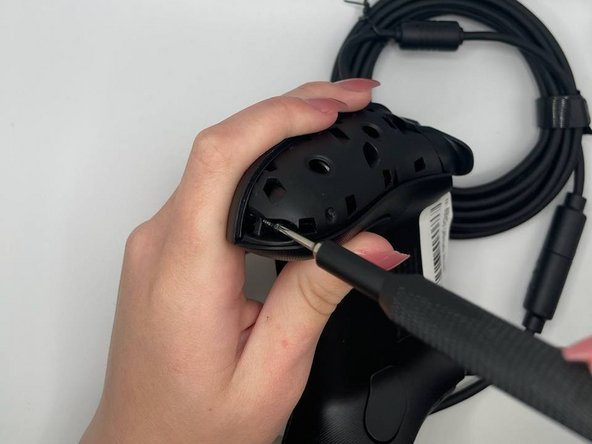
- Use the TR6 Torx Security screwdriver to remove the bottom left 10.44 mm Torx screw on the backside.
- Use the TR6 Torx Security screwdriver to remove the top right 10.44 mm Torx screw on the backside.
- Use the TR6 Torx Security screwdriver to remove the middle right 10.44 mm Torx screw on the backside.
- Use the TR6 Torx Security screwdriver to unscrew the bottom right 10.44 mm Torx screw on the backside.
- Orient the controller such that the back of the controller is facing you.
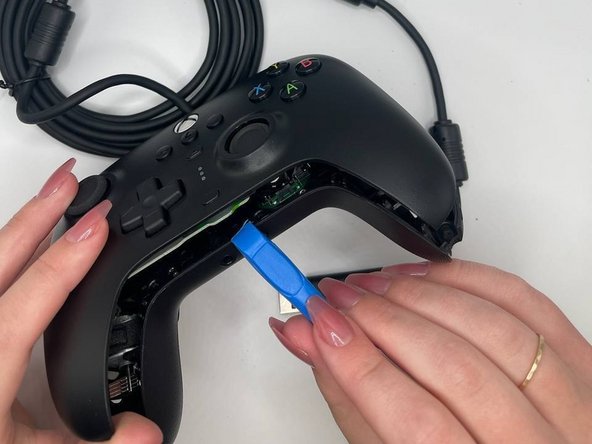
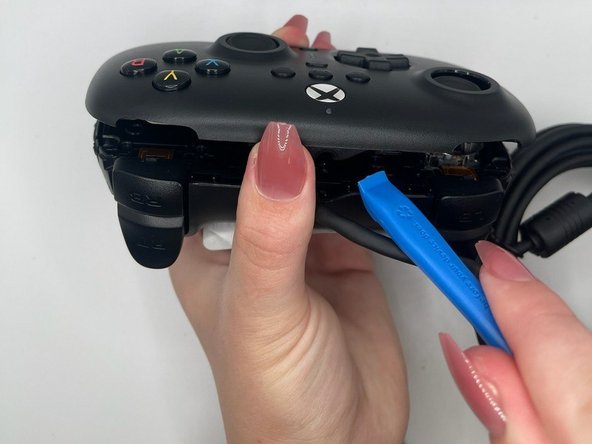
- Insert an opening tool into the small opening between the front and back panels, and gently pry the back panel away to open the bottom clamps of the top panel of the controller.
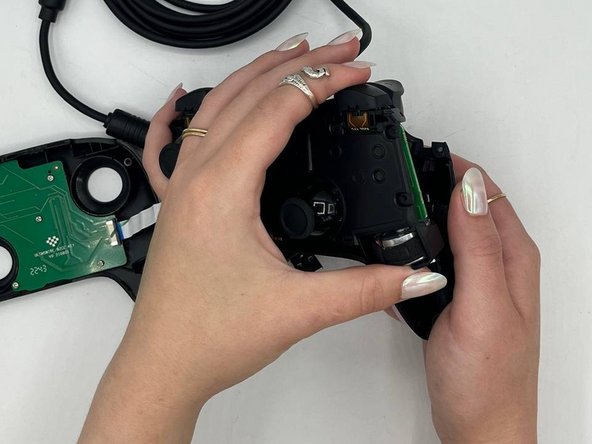
- Insert an opening tool into the small opening between the front and back panel (top view) and pry away to remove the top half.
- A ribbon cable connects the front and back portions of the controller.
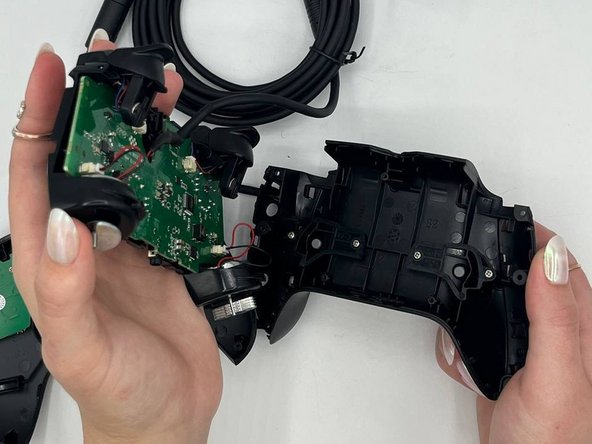
- Pull the midframe with an adequate amount of force.
- Gently pull the vibration motor connector out of its socket.
- Pull the weight out of the housing with adequate force.
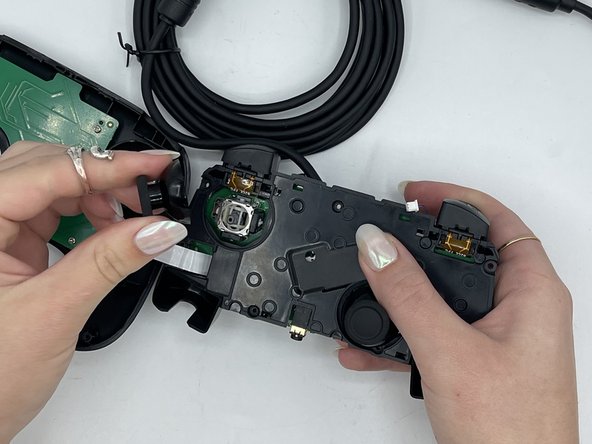
- Use tweezers to gently unplug the bumper on the right hand side.
- Use tweezers to gently unplug the bumpers on the left hand side.
- Use your fingers to remove the joystick cover on the left hand side with adequate force.
- Use your fingers to remove the joystick cover on the right hand side with adequate force.
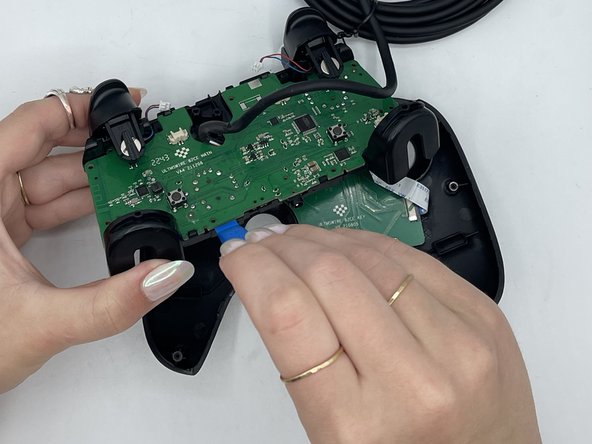
- Use an opening tool to pry the motherboard apart from the structure of the controller
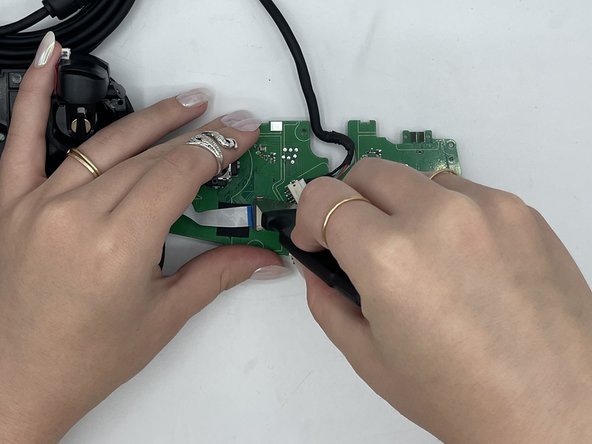
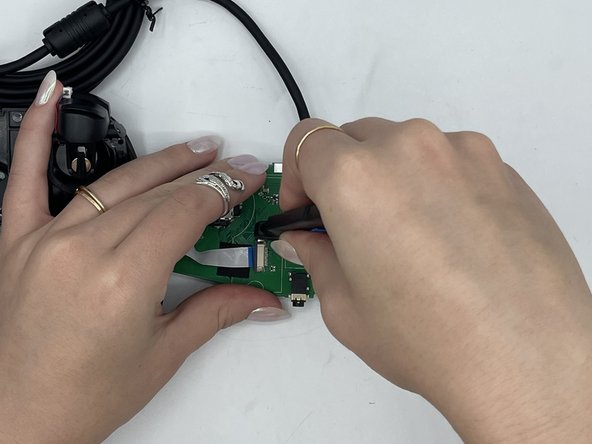
- Use a Jimmy to open the small metal bracket (right) on the front side of the motherboard.
- Use a Jimmy to open the small metal bracket (left) on the front side of the motherboard.
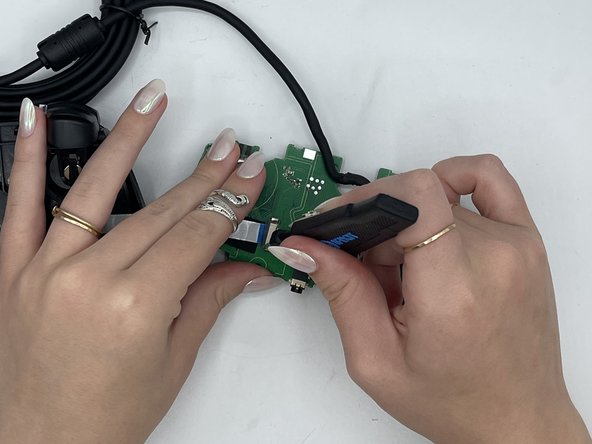
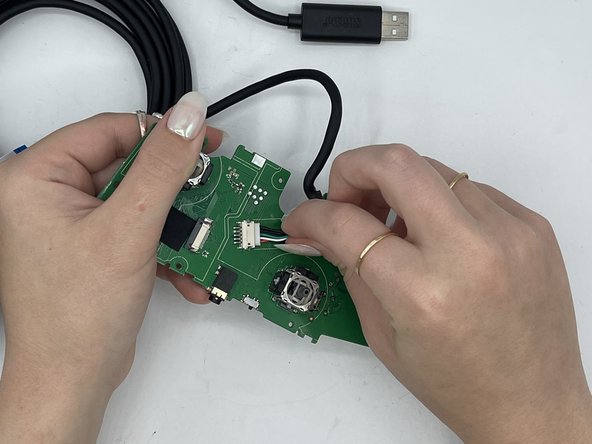
- Use tweezers to remove the white strip from the black bracket.
- Use your fingers to gently remove the power cord.