Retroid Pocket 3 LCD Screen Replacement
ID: 172020
Description: If your screen on your Retroid Pocket 3 is...
Steps:
- Unplug any cables connected to the Retroid Pocket 3+.
- Ensure your device has a charge of 5% or less as a charged battery can be dangerous if punctured.
- Remove the four 6 mm screws from the backplate of the device with a T5 Torx screwdriver.
- Use a plastic opening tool or spudger to gently pry apart the backplate from the device.
- Remove the four 4.5 mm screws with a Phillips #00 screwdriver.
- Lift off the metal plate.
- Use a plastic opening tool or spudger to unclip the battery connector.
- Carefully lift the battery from the case.
- The battery has double-sided tape at the bottom. Gently push a spudger or opening tool underneath the battery to help free it from the adhesive. Do not bend or puncture the battery.
- Lift and remove the battery.
- Remove the three 4.5 mm screws with a Phillips #00 screwdriver on the main board.
- Using a spudger, put the tip under the aerial connecter and rotate upwards to unclip the plug.
- Unclip and remove the one ribbon cable on the left.
- Use a spudger to unclip and remove the two ribbon cables on the right side.
- Use a spudger to disconnect the two speaker cables on the bottom of the board.
- Start lifting the board to give you access to the vibration motor on the metal case.
- Use a spudger to carefully pry the motor free; it is bound with double-sided tape.
- Carefully lift the board out of the device.
- Undo the ribbon cable clips using the Spudger tool.
- Unclip the cable on the left side of the board.
- Carefully lift the ribbon cable to the right to remove it from the clip.
- Use a Phillips #00 screwdriver to remove the three 5.9 mm screws from the controller board.
- Carefully lift the board out of the device.
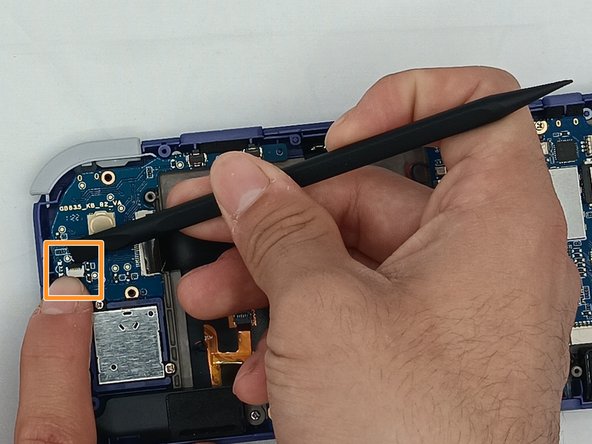
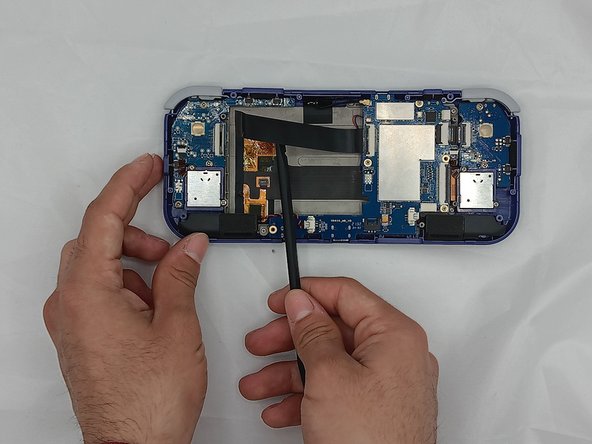
- Using the Spudger tool, put the tip under the edge of the rubber button pad to start lifting it.
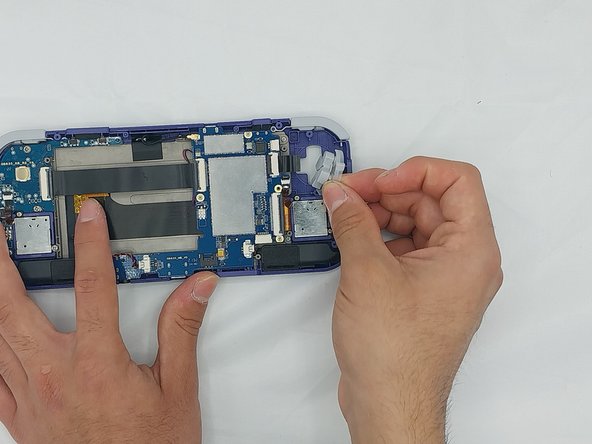
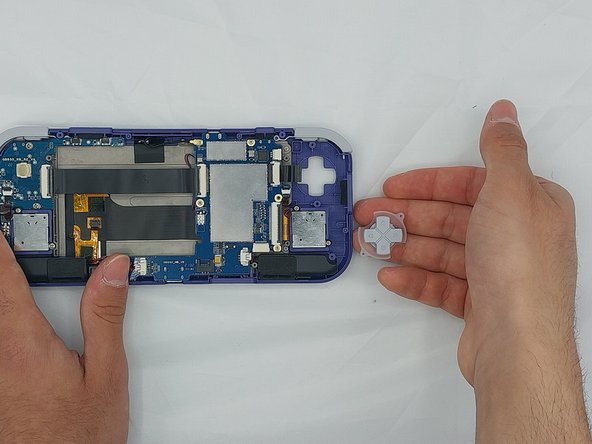
- Button pad will loosen and lift straight out of the casing.
- Move to the right side of the device.
- Using a spudger, undo the ribbon cable clip connected to the main PCB along with the joystick ribbon cable.
- Use a Phillips #00 screwdriver to remove the two 5.9 mm screws.
- Carefully lift the board out of the device.
- Carefully pry up the silicone button pad with a Spudger tool.
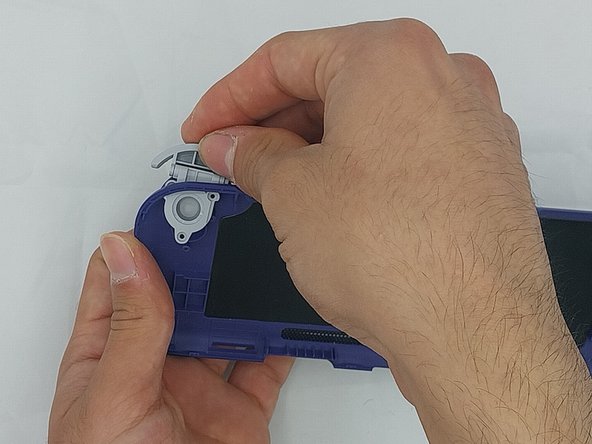
- Using the spudger, put the tip under the top round clip at the top.
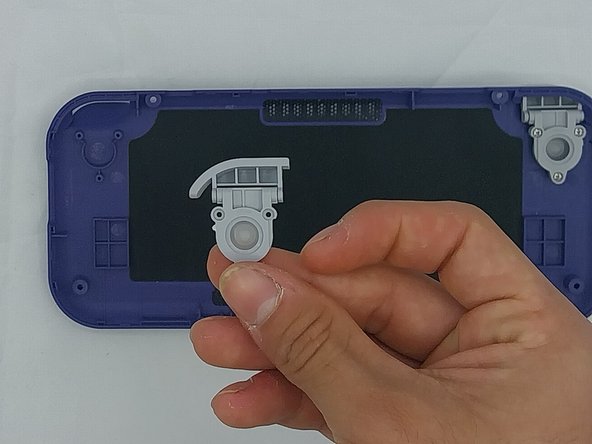
- Carefully start lifting the clip to slide it off the plastic pin on the case, tilting the trigger button as you lift it to remove.
- Remove the six 4.4 mm screws on the trigger buttons with a Phillips #00 screwdriver.
- Gently pull the trigger button through until it has come undone.
- Using the Spudger tool, remove the two speakers at the bottom of the device by gently prying them out.
- Speakers are held by double-sided tape.
- Remove the joysticks by unscrewing the two 3.5mm screws with a Phillips #00 screwdriver.
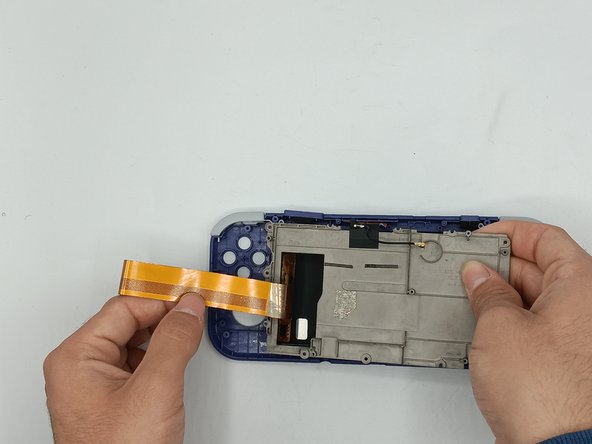
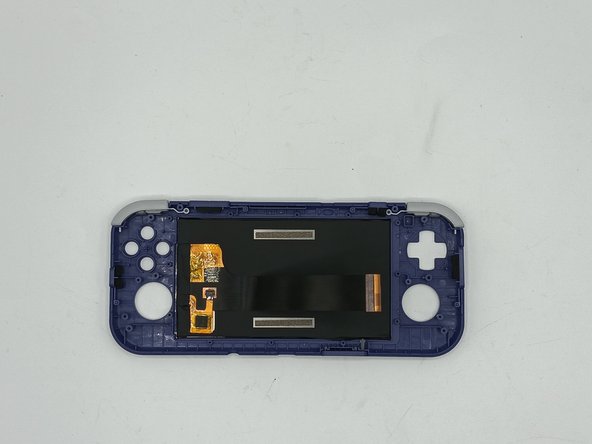
- Remove the metal backplate from the front casing of the device by unscrewing the ten 3.5mm screws using the Phillips #00 screwdriver.
- Carefully lift the ribbon cable from the metal backplate