Dell Latitude 5480 Battery Replacement
ID: 172090
Description: This guide will walk you through replacing the...
Steps:
- Use a Phillips screwdriver to remove the eight 5.6 mm screws that secure the lower case.
- Insert an opening tool into the seam between the lower case and chassis.
- Pry up around the perimeter of the device until the lower case fully releases.
- Lift off the lower case.
- Grip the black battery cable connector loop and pull it directly up to disconnect the battery.
- Remove the four 5.6 mm Phillips screws that secure the battery.
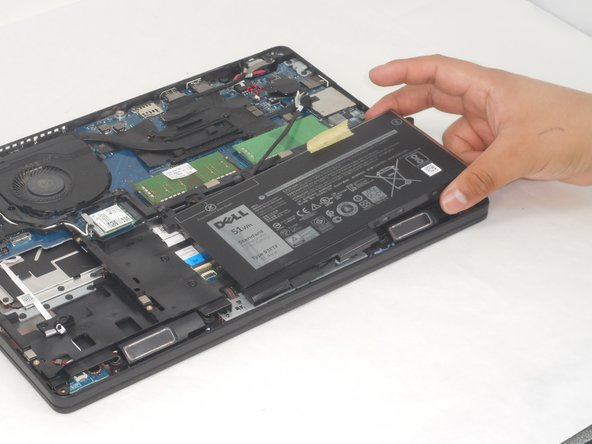
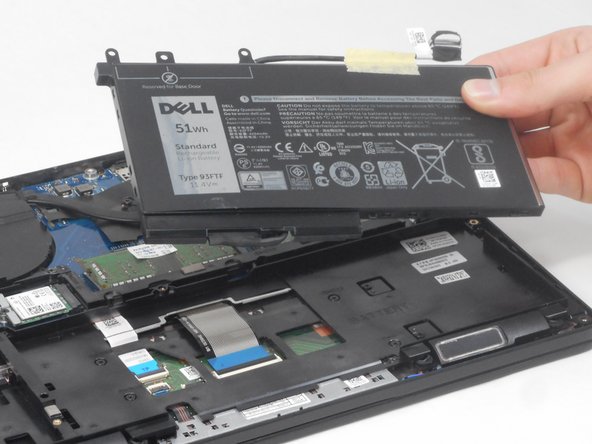
- Lift the battery up and out of the chassis.