Lenovo IdeaPad 3-15ADA05 Heat Sink Replacement
ID: 172157
Description: Use this guide to replace the heat sink in the...
Steps:
- Remove the six 5 mm screws from the back of the laptop using a Phillips #0 screwdriver.
- Remove the four 2.5 mm screws from the back of the laptop using a Phillips #0 screwdriver.
- Insert the blue opening pick between the base plate and the bottom of the laptop.
- Carefully pry the clips loose around the edges until the base pops off.
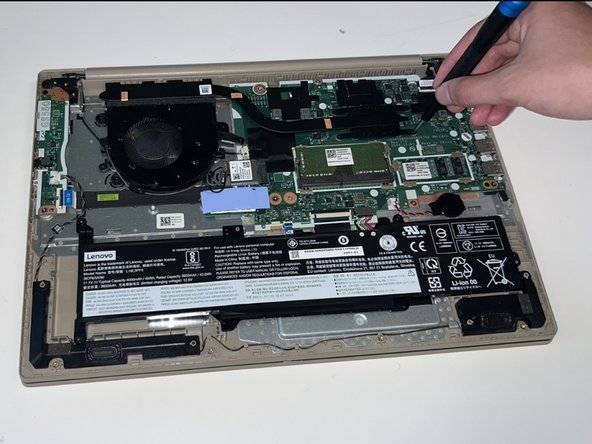
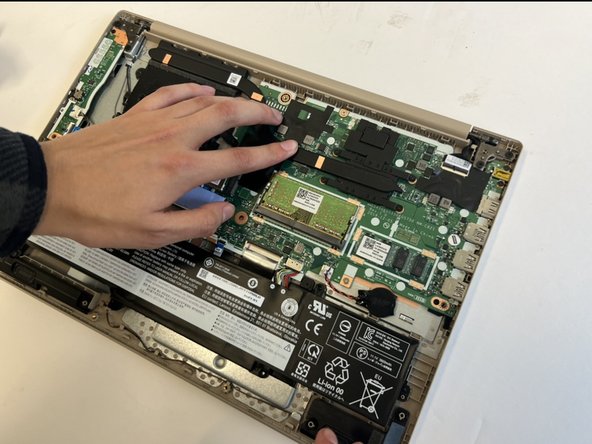
- Using a Phillips #0 screwdriver, remove the four 3mm screws holding the heat sink in place.
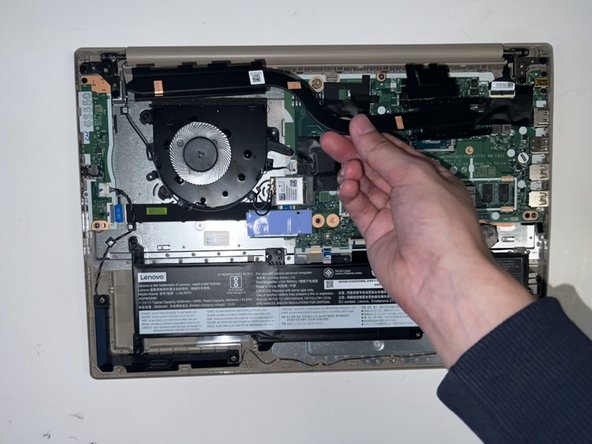
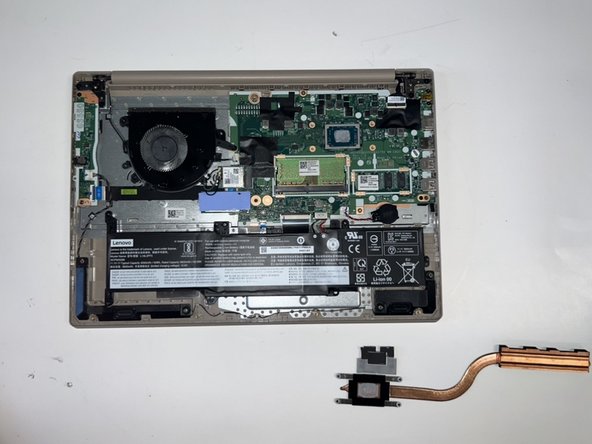
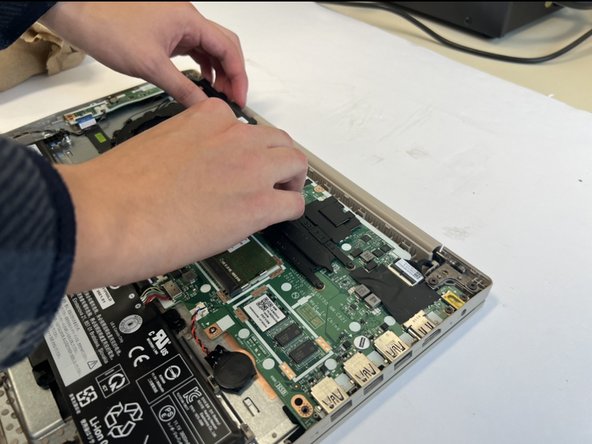
- Remove the heat sink.
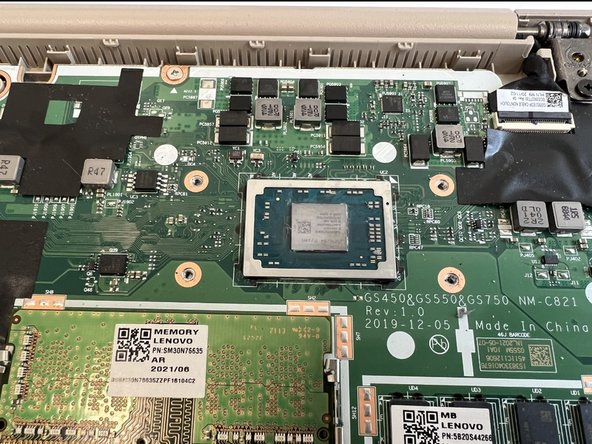
- Be careful not to damage the processor. Remove the heat sink carefully. If it does not remove easily, check for remaining screws or dirt on the heat sink.
- Using a paper towel, apply a small amount of of rubbing alcohol the paper towel. Then, remove the remaining thermal paste until none is left.
- Apply a very small amount of thermal paste to the processor (around the size of a grain of rice) evenly. Then, replace the new heat sink and press down gently.
- Be careful when reattaching the cooler so as not to damage the processor.
- Tighten the screws in a diagonal pattern to ensure even pressure and spread of the thermal paste.