Shark Matrix RV2310 Charging Dock Wire Replacement
ID: 172175
Description: This guide will teach you how to replace the...
Steps:
- Flip the charging dock over and locate the two rubber pads near the front of the device.
- These two pads are hiding two screws that are necessary to opening the device.
- Using a Jimmy, remove the pads from the device to reveal the screws underneath.
- Remove the eight 8 mm hex screws necessary to separate the bottom plate from the charging dock.
- Remove the plate by pulling it upwards away from the charging dock.
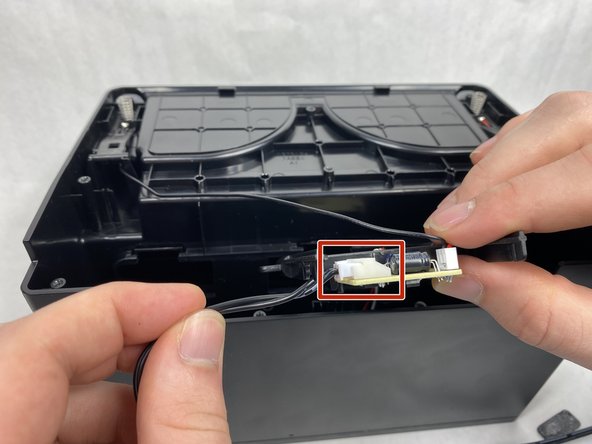
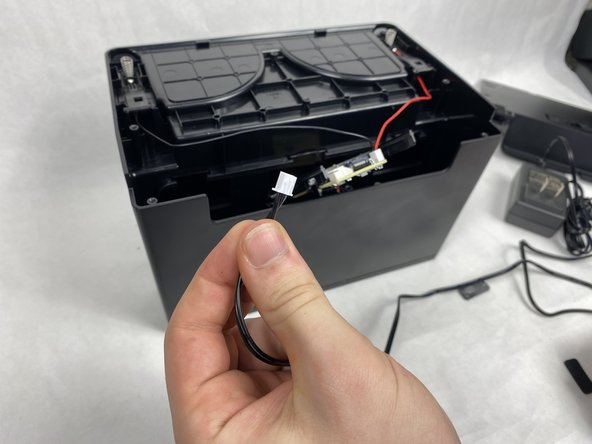
- Take the circuit board and undo the wire connection holding the charging dock's wire in place.