Razer Wolverine V2 Chroma RZ06-0401 ABXY Buttons Replacement
ID: 172176
Description: If the ABXY buttons on your Razer Wolverine V2...
Steps:
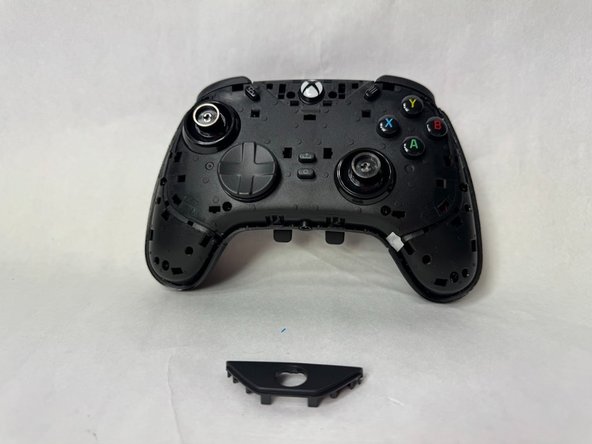
- Using an opening tool, pry off the the outer front plate.
- It might take a bit of wiggling and time to loosen it and get it off.
- Once the front plate is loose, pull it off.
- Using an opening tool, pry off the the handle grips.
- It might take a bit of wiggling and time to loosen and get them off.
- Once they're loose, pull off the handle grip plates.
- Using an opening tool, pry off the Xbox logo plate.
- It might take a bit of wiggling and time to loosen it and get it off.
- Once it's loose, pull off the Xbox logo plate.
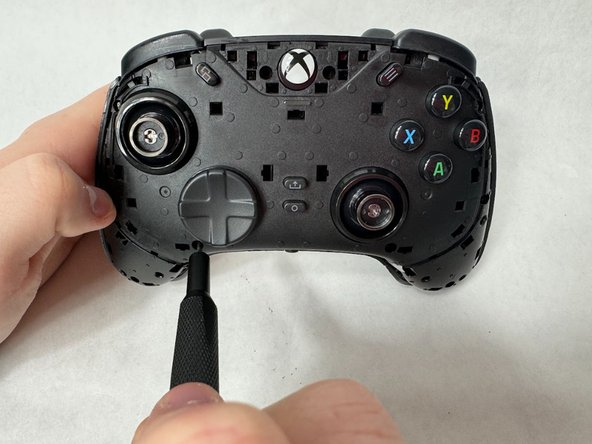
- Remove ten 9 mm screws from the controller using a Phillips #000 screwdriver.
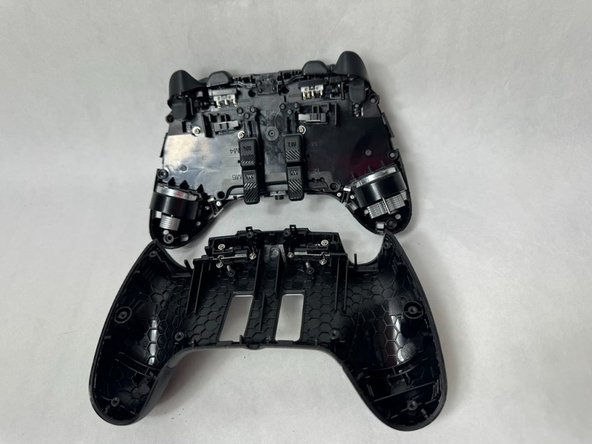
- Using an opening tool, pry off the backplate of the controller. It should come off relatively easily.
- If it is struggling to come off, you might have missed a screw. Make sure you have removed all screws.
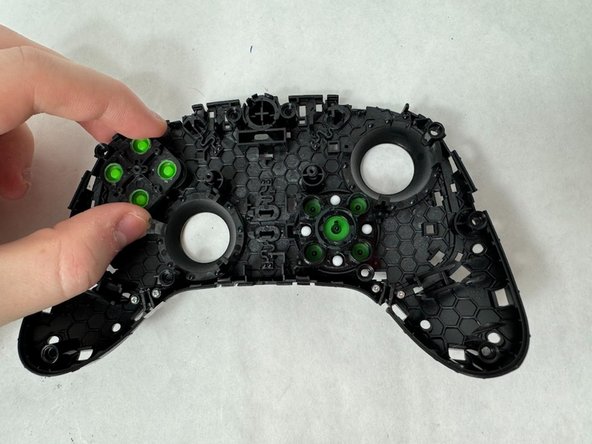
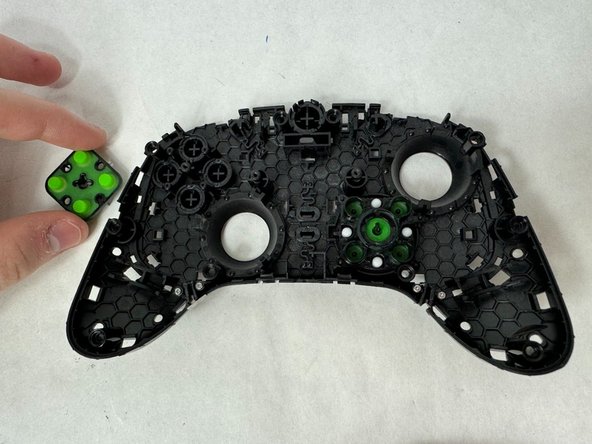
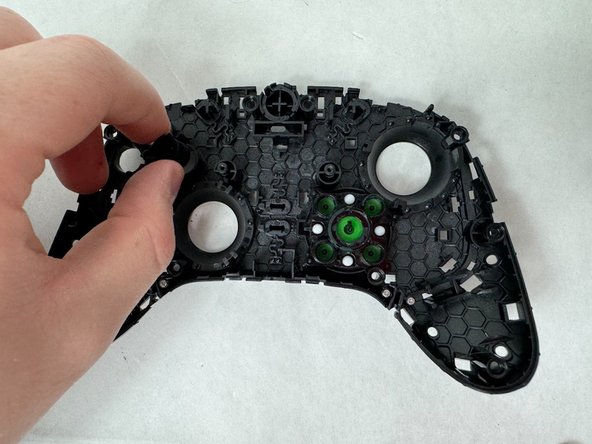
- Look at the inside of the inner front plate and where the ABXY buttons are. Pop off the back of the piece that pushes the buttons.
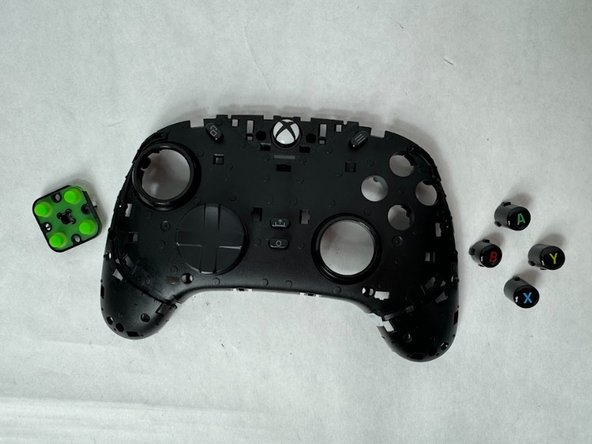
- The buttons should come out easily once the previous piece is removed.
- By tilting the controller they should fall out, or you can push them out yourself if that did not happen.
- You are now able to clean the buttons and the area around it (if necessary), and slide the new buttons back into place.