Optoma HD72 Color Wheel Replacement
ID: 172188
Description: Use this guide to replace the Color Wheel on th...
Steps:
- Use a Phillips screwdriver to remove the five 2 mm screws on the underside of the device.
- Flip the device over and slightly lift the upper case, with care not to strain the two cables.
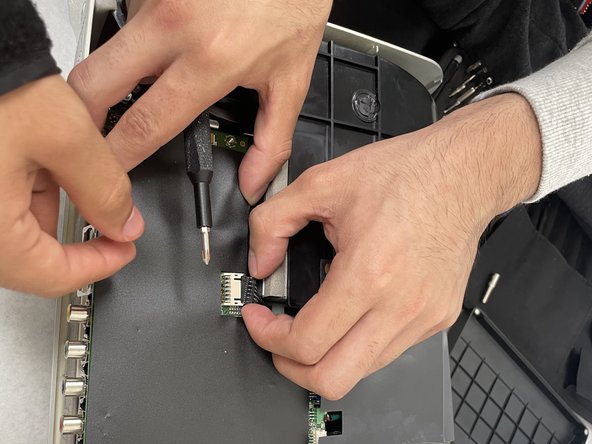
- Disconnect the two cables that connect the top case to the motherboard.
- Lift the upper case up and off.
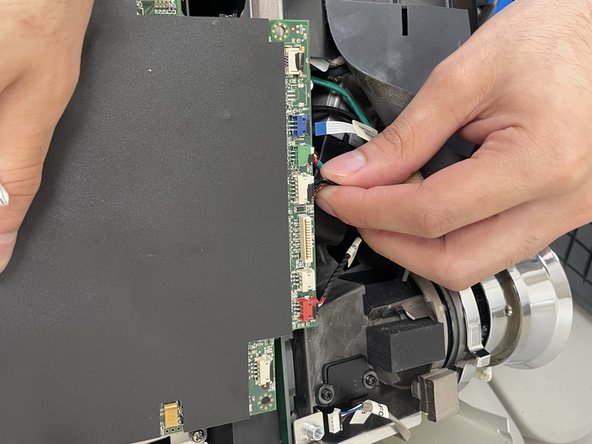
- Disconnect all of the cables that are connected to the motherboard.
- Remove the four 2 mm Phillips screws that secure the motherboard.
- Lift the motherboard up and out of the chassis.
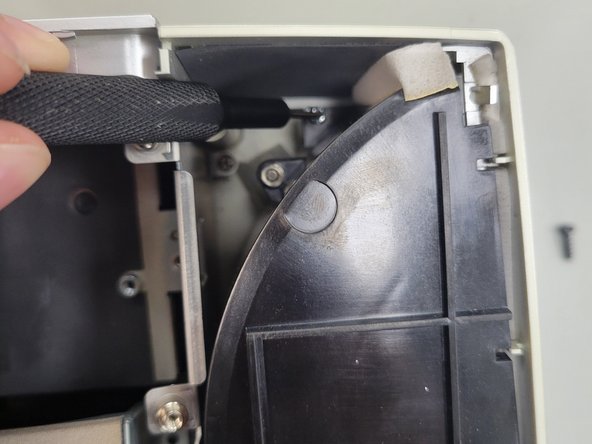
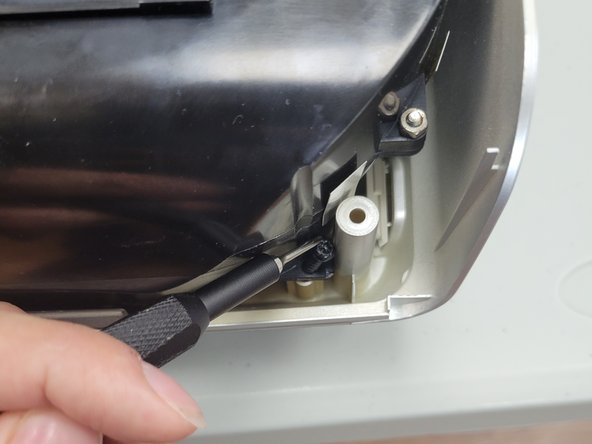
- Remove the three 2 mm Phillips screws that secure the black housing.
- Lift the black housing off.
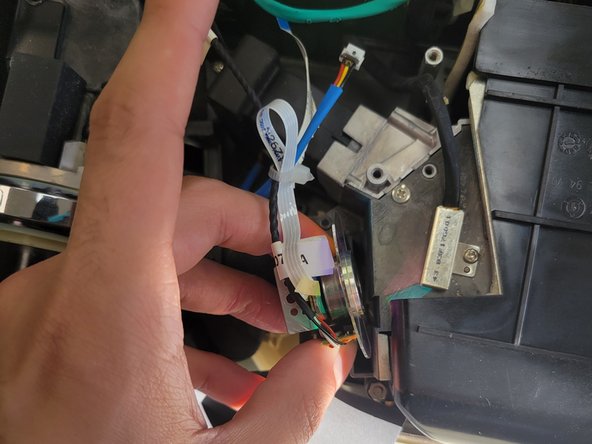
- Remove the single 2 mm Phillips screw that secures the color wheel.
- Lift the color wheel up and out of its housing.
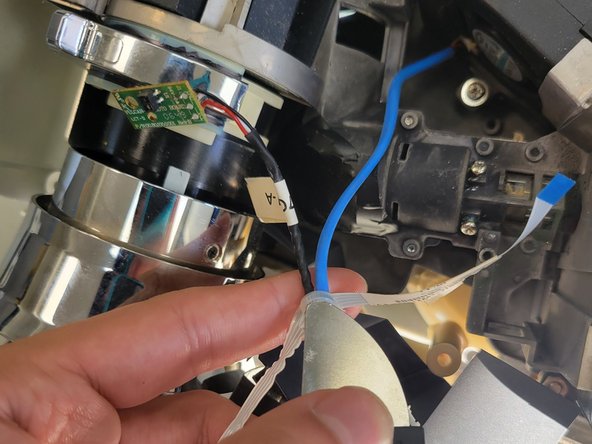
- Remove the single 2 mm Phillips screw that secures the circuit board to the side of the color wheel.
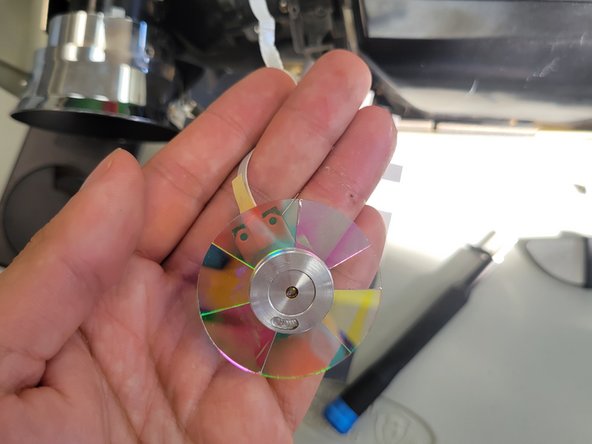
- Use a sharp tool to cut the zip tie that secures the color wheel’s cables.
- Remove the color wheel.