Nintendo Super Famicom SHVC-001 Power Switch Replacement
ID: 172191
Description: Are you experiencing problems related to...
Steps:
- Remove the six 13.5 mm screws on the lower case with a 4.5 mm Gamebit screwdriver.
- Flip the Famicom over and set it down.
- Lift off the upper case.
- Remove the two 15.6 mm Phillips screws that secure the power switch.
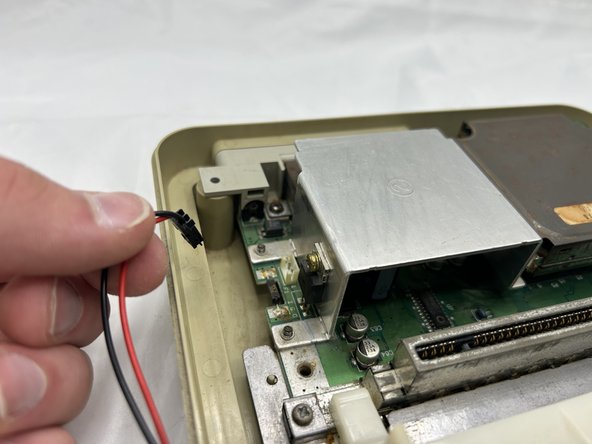
- Pull the power switch motherboard connector straight out of is port.
- Do not pull on the wires.
- Lift the power switch up and out.