Soundboks 4 DC Cable Replacement
ID: 240381
Description: If something got stuck in your DC battery...
Steps:
- Turn off your speaker by removing the battery
- Unscrew the UI panel with the 3mm Hex bit - 6 screws in total
- Pull the panel out at an angle. Pulling it straight can damage the PCBA!
- Unplug the connector by pressing the top
- Cut the cable
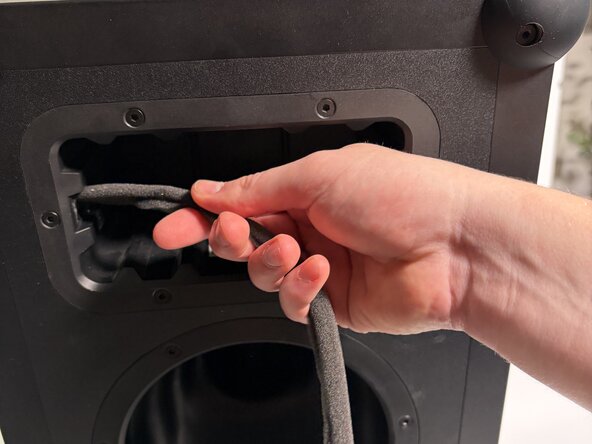
- Untie the wire harness
- Make sure to tie the wire harness once re-assembling it
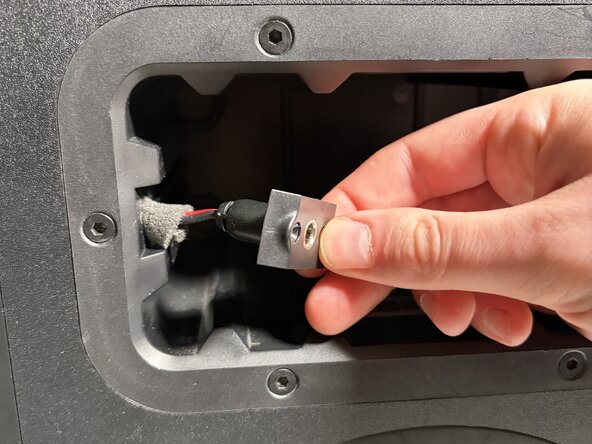
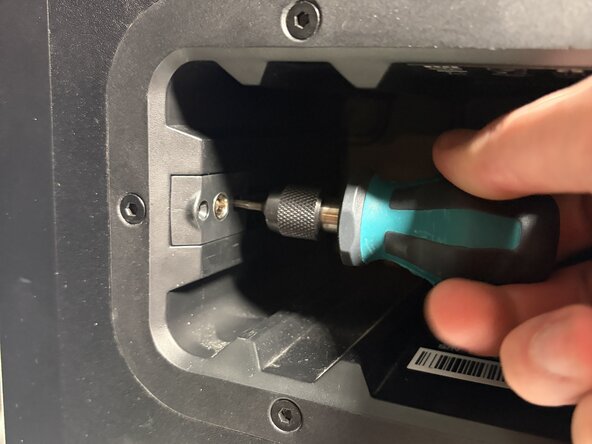
- Unscrew the DC plug connector with the 2mm Hex bit - 2 screws
- Pull the connector and wire all the way out.
- You must insert the wire in the speaker - before assembling the wire
- Insert and fasten the new DC Plug with the 2mm Hex screws
- Do not over-tighten the screws
- Pass the wire through the provided ferrite
- Loop the wire through the ferrite
- Wrap the foam around the ferrite
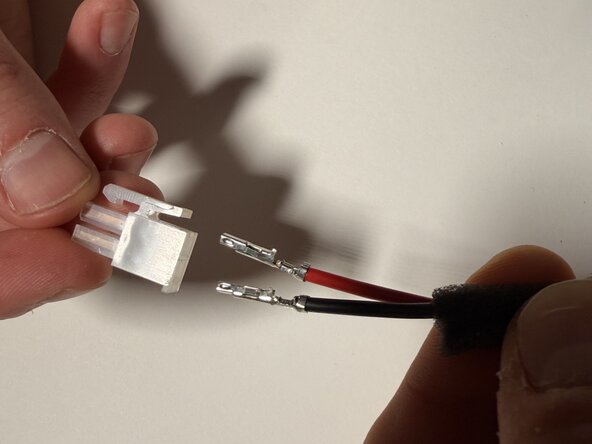
- Make sure the red cable is placed as indicated in the picture
- Plug the wire as indicated, make sure the molex crimps face towards the molex clip
- Push the cables into the connector until you hear a "click"
- It only fits in one direction - make sure you hear the click and check it!
- Check: Pull the wires (medium strenght), to check that they don't come out.