HP OfficeJet 4650 Manual One-Inch Paper-Feed Roller Replacement
ID: 103072
Description: The manual one-inch paper-feed roller is what...
Steps:
- Open the document feeder cover by flipping it to the left with the front panel facing you.
- The document feeder is designed to be a bit more difficult to open, so it is okay to use a little more force.
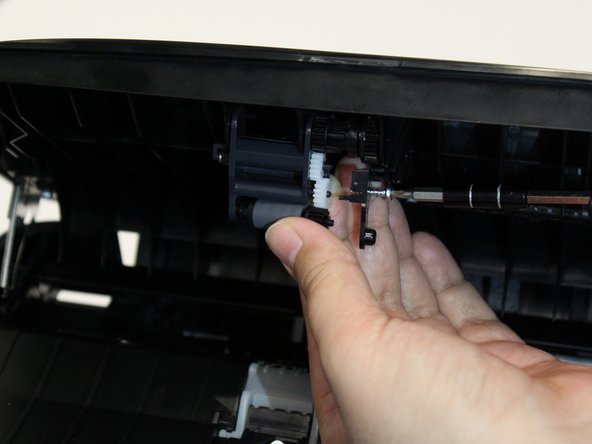
- Locate the manual one-inch paper-feed roller end of the document feeder cover.
- Remove the 11.0mm screw on the side of the roller with 2.0mm hex screwdriver.
- Pull the side cover of the manual one-inch paper-feed roller to the right and remove the paper roller.