HP 15-f009wm RAM Replacement
ID: 105088
Description: This guide explains how to remove the RAM chip...
Steps:
- Turn laptop upside down.
- Flip the lock switch to the unlocked setting.
- Flip the release switch.
- Once the flip is switched, the battery should pop out.
- Slide the battery out.
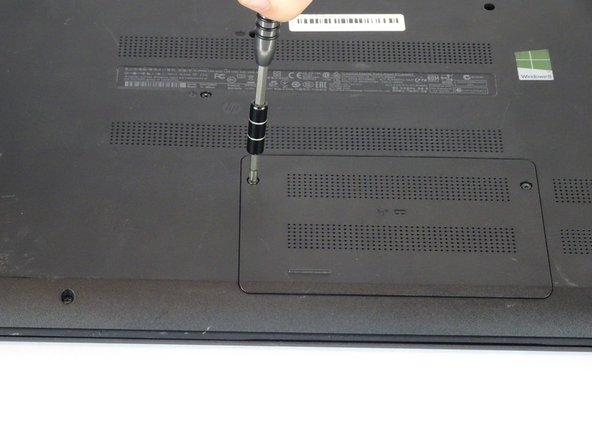
- Remove the two Phillips #1 screws from the RAM panel.
- Use the plastic opening tool to pop the panel off.
- Release the tabs on each side of the chip by simultaneously pushing each tab away from the RAM.
- These tabs lock the chip in place and releasing them will cause the chip to "pop" up.
- Remove the RAM chip from the laptop.