ThinkPad X1 Carbon Push Button Controls Replacement
ID: 105110
Description: In this guide the push button is replaced. If...
Steps:
- Unscrew the seven screws located on the back of the device.
- Slide the plastic the spudger along the edge of the device to separate the keyboard tray.
- Flip the device over and open it to lift the keyboard tray from the body of the device.
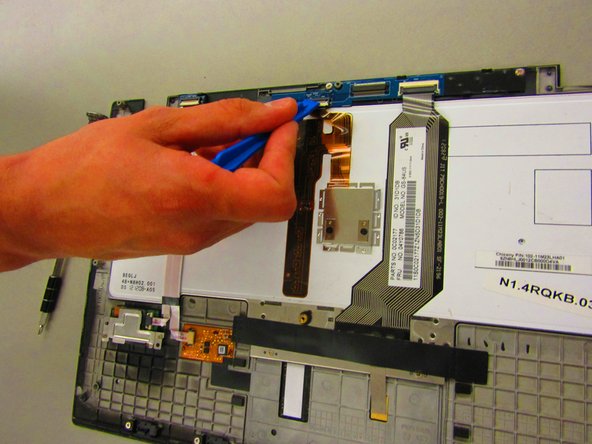
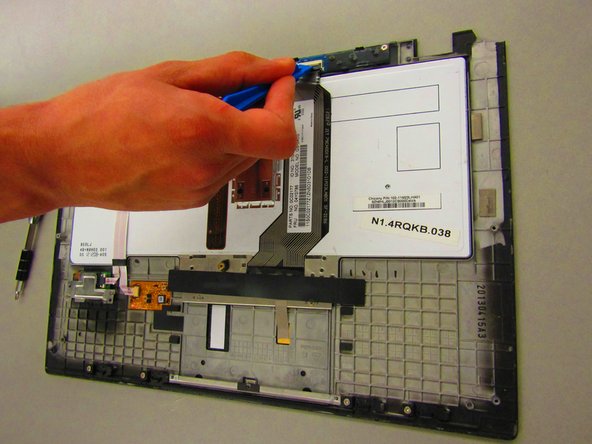
- Use the Plastic Spudger to gently release the ribbon cable attached to the keyboard.
- Place device to side.
- Unlock and remove the 3 ribbon cables along the top of the keyboard tray.
- Locate and unscrew the 3 silver screws.
- Gently wiggle and lift the Push Button board from the keyboard tray.