HP Elitebook 820 G1 Battery Replacement
ID: 105379
Description: Batteries become consumed over time and hold...
Steps:
- Ensure the laptop is completely powered off and power adapter is unplugged before removing the battery.
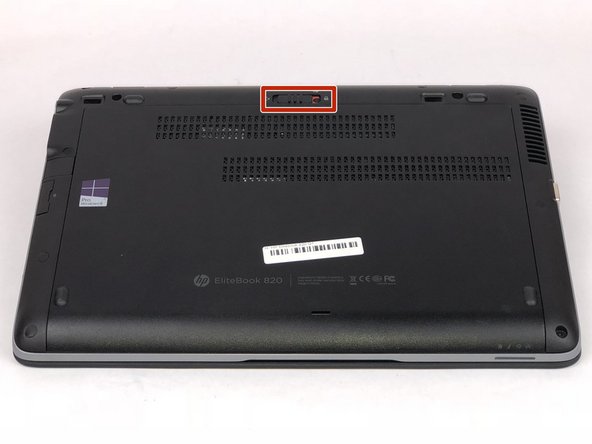
- Turn over laptop so that the bottom is showing.
- Unlock the latch.
- Remove the back cover and you will then be able to see the battery.
- Unlatch the two latches securing the battery in the case.
- Use a plastic opening tool to lift and remove the battery.