Acer Aspire Switch 10 SW5-012-18MY Power Light Replacement
ID: 106551
Description: If the power light on your device is not...
Steps:
- Remove the tablet from the keyboard.
- You will not be needing the keyboard for this guide.
- Use the opening tool to open the back cover. The opening tool should fit under the cover if you place it above the power button, as shown in the pictures.
- Lift this side of the back cover once the opening tool is inside the device, as shown in the third picture.
- Use the opening tool and your hands to gradually work around the edges of the cover.
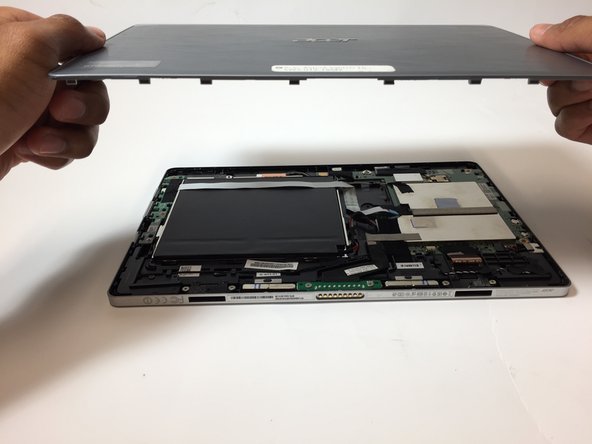
- Lift the back cover off of the device with your hands.
- You will need to use some force to pull off the back cover.
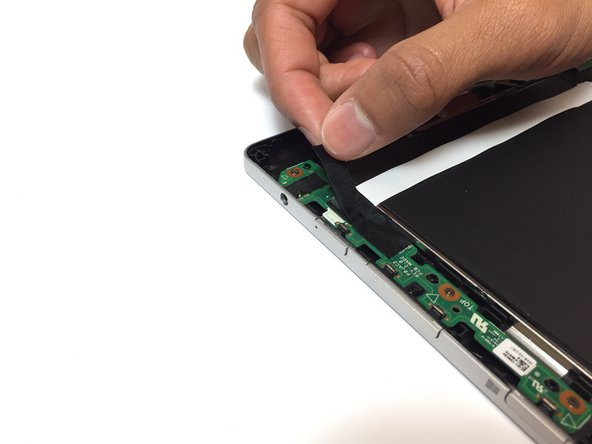
- Remove the piece of black, thin tape that is attached to the circuit board closest to the power button.
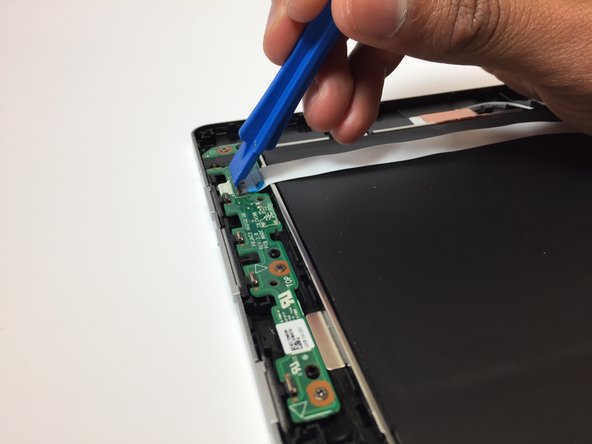
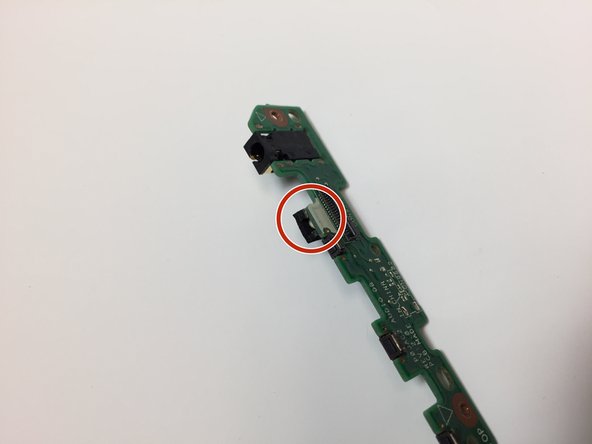
- Use the opening tool to lift the black ZIF connector holding the ribbon cable in place.
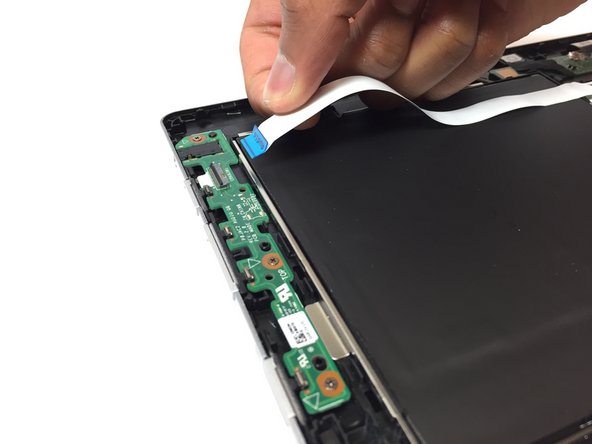
- Pull out the ribbon cable from the circuit board. This cable should have the word "Audio" on it.
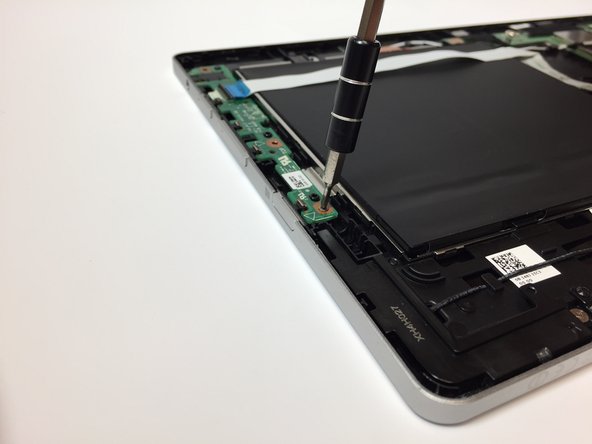
- Use the screwdriver to remove the 3, 3 mm screws on the circuit board.
- Carefully remove the circuit board from the device. The power light is located on this board.
- The power light is attached to this circuit board you have just removed. To replace the power light on this piece, please go to the page How To Solder and Desolder Connections.