Acer Aspire Switch 10 SW5-012-18MY Power Button Replacement
ID: 106554
Description: If the power button on your device is...
Steps:
- Remove the tablet from the keyboard.
- You will not be needing the keyboard for this guide.
- Use the opening tool to open the back cover. The opening tool should fit under the cover if you place it above the power button.
- Lift this side of the back cover once the opening tool is inside the device.
- Use the opening tool and your hands to gradually work around the edges of the cover.
- Lift the back cover off of the device with your hands.
- You will need to use some force to pull off the back cover.
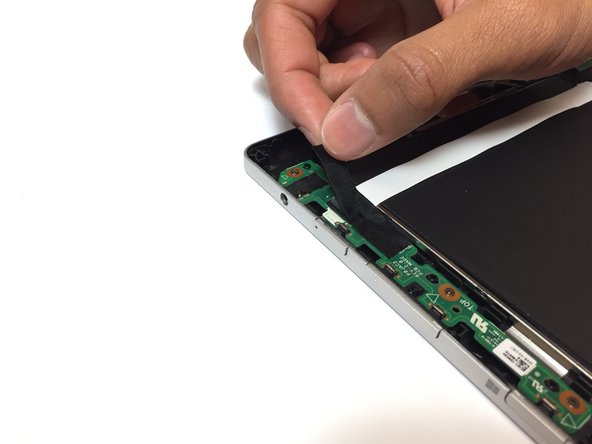
- Remove the piece of black, thin tape that is attached to the circuit board closest to the power button.
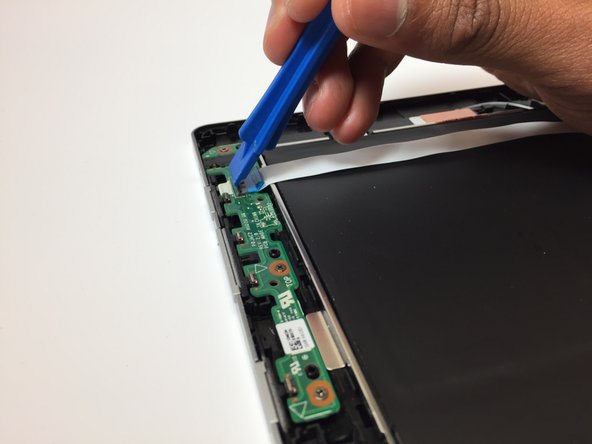
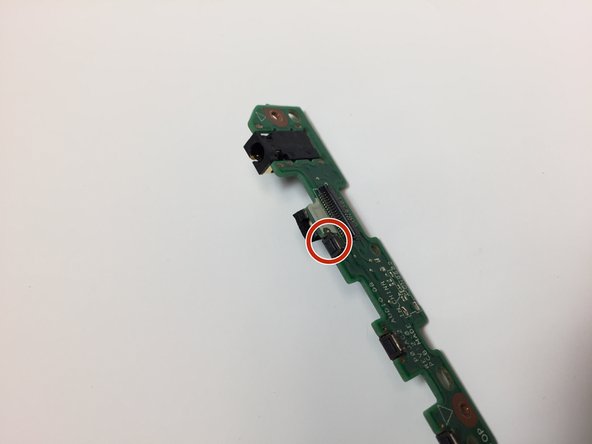
- Use the opening tool to lift the ZIF connector that is holding the ribbon cable in place.
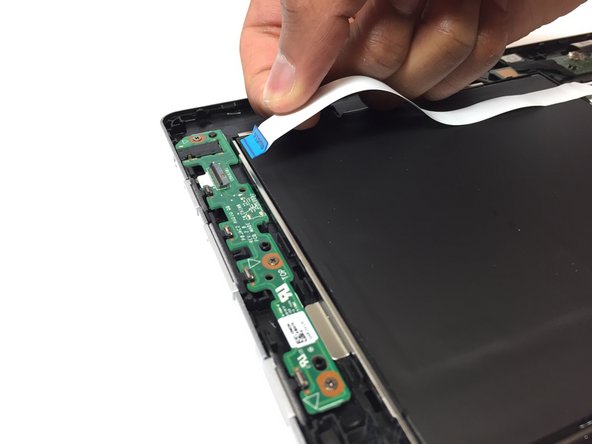
- Pull out the ribbon cable from the circuit board. This cable should have the word "Audio" on it.
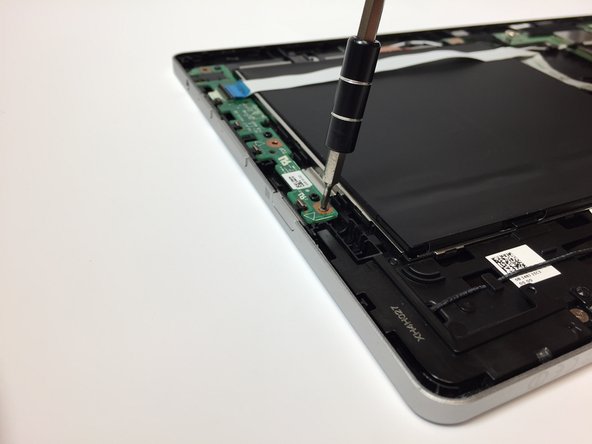
- Use the Phillips #000 screwdriver to remove the three 3 mm screws on the circuit board.
- Carefully remove the circuit board from the device. The power button is located on this piece.
- To replace the power button on this piece, please go to the page How To Solder and Desolder Connections.