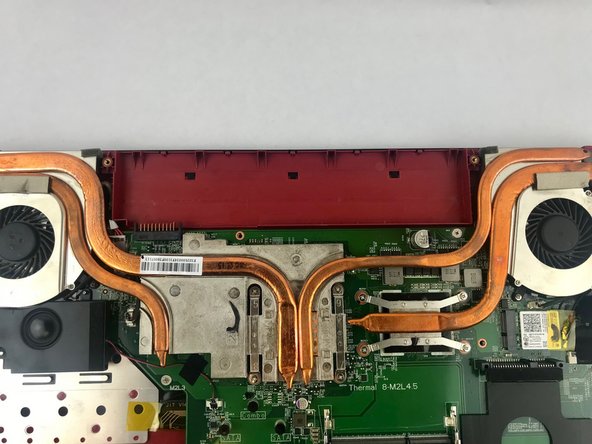
MSI GE62 Apache Pro 004 Battery Replacement
ID: 106698
Description: This guide will show you how to replace the...
Steps:
- Start with the bottom of the laptop facing up.
- Remove the 15 screws from the bottom of the laptop with a PH1 screwdriver.
- Remove the bottom plate by pulling away from laptop
- Keep track of all the screws and which slot they came from, as they slightly differ. We recommend this system: lay out on a piece of paper and pretending the paper is the device. Place the screws on the paper approximately where they would go
- Remove the screw holding down the battery with a PH1 screwdriver.
- Pull out the battery.