Acer Aspire 5740-5780 Back Cover Replacement
ID: 106767
Description: Use this guide to remove the back cover of your...
Steps:
- Turn the laptop off and remove the power cord.
- Press in the SD Card or the SD Card Dummy if no SD Card is there. Remove card when it pops out.
- Flip the laptop over on its face, so that the back is showing.
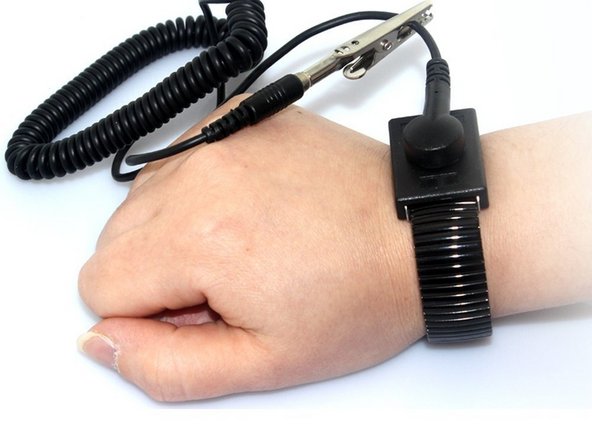
- Put grounding strap on one of your wrists and attach the other end to a large metal object (recommended method).
- If you don't have a grounding strap an alternative approach is to touch a metal object that is either large or connected to the earth. Then avoid doing things that would accumulate static electricity on your body.
- Touching the internals of your device while you aren't grounded could destroy your laptop.
- Unlock the battery by flipping a switch near the release latch.
- Slide the release latch to the left to release the battery from the PC.
- Use your hands to pry the battery free of the computer.
- Unscrew the 2 captive screws and 3 M2.5 x L8 screws holding back cover in place.
- Use spudger to pry open the back panel.
- Then lift panel off of the computer.