Dell Vostro 1710 Hard Drive Replacement
ID: 106858
Description: The hard drive is the part of the computer that...
Steps:
- Make certain that the power to your laptop is off.
- Press and slide the two buttons outwards and away from the battery.
- Slide the battery away and parallel from the laptop.
- Remove the battery from the slot.
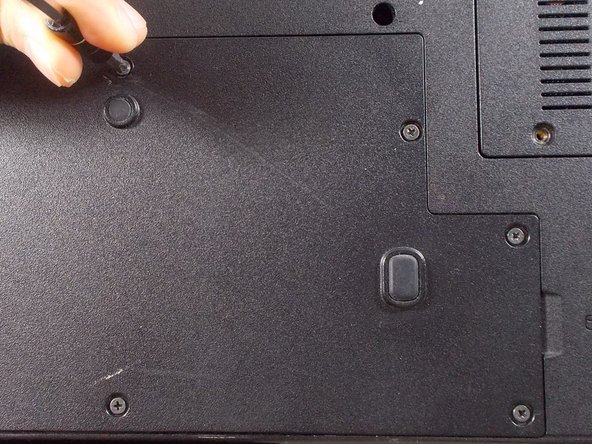
- Remove the following five Phillips #1 6mm screws.
- Lift back cover from the groove on the right side of the cover next to the symbol.
- Pull up on the blue tab that is attached to the ribbon cable to unplug it.
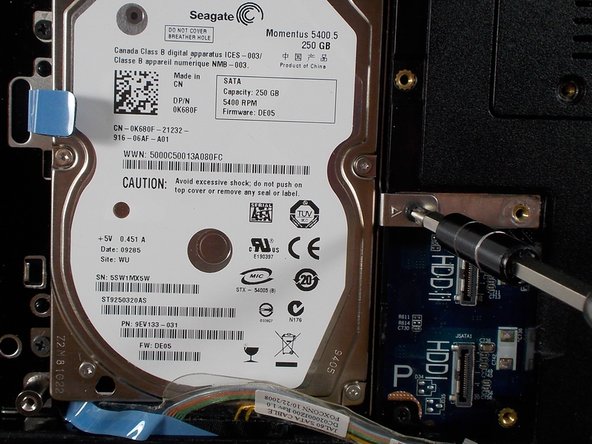
- Remove the three Philips #1 3mm screws.
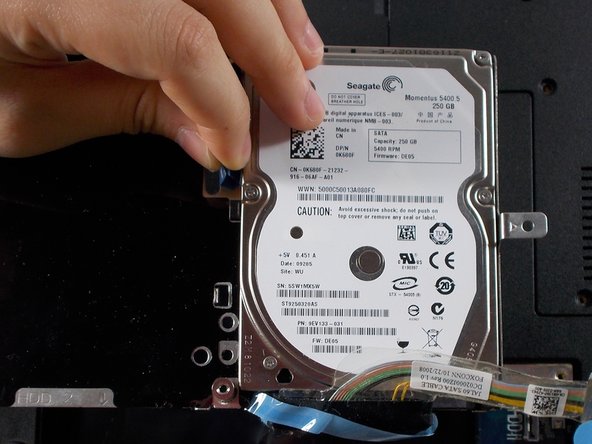
- Lift and remove the Hard Drive frame by pulling up on the blue tab.
- Remove the two 3mm screws with a Philips #1 screwdriver from the back side of the frame to remove the Hard drive.