ShowerDoorDirect Shower Speaker Battery Replacement
ID: 109918
Description: For this repair you will learn how to replace a...
Steps:
- Remove the suction pad by pulling the suction out of the slot that it is in.
- Remove the four 9.09mm Philips #1 screws that hold the 2 pieces of the cover together.
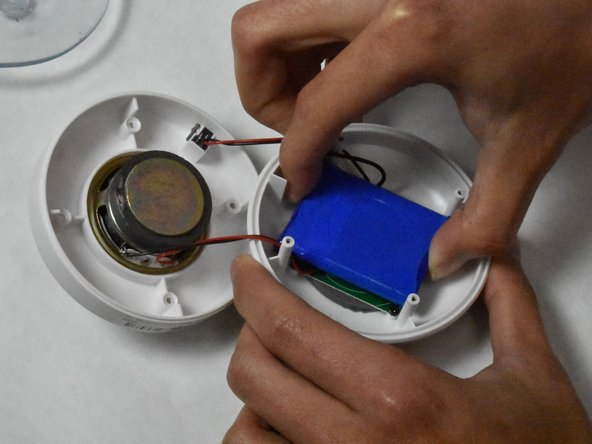
- Pull apart the two halves.
- Hold the base and pull up on the battery.
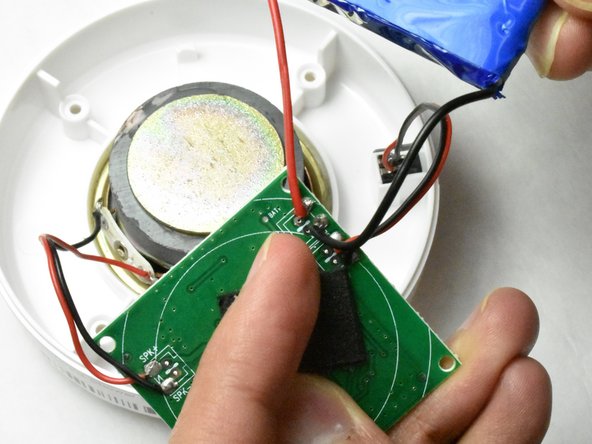
- Remove the four 5mm Phillips #1 screws from the motherboard.
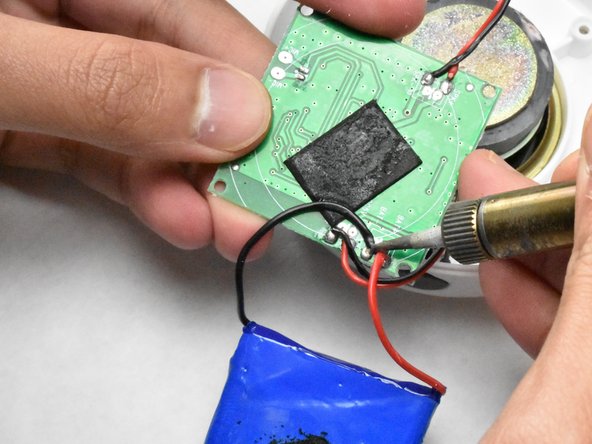
- Desolder the two wires connecting the battery tp the motherboard.