LG Optimus F60 Power Button Replacement
ID: 109933
Description: This guide will take you through the process of...
Steps:
- Hold the phone in your hand and position the small plastic opening tool or your finger under the lip of the phone by the USB port.
- Pry or lift up on the indent with the opening tool.
- Remove the back panel.
- Place the small plastic opening tool or your finger at the indentation at the base of the battery.
- Pry upwards or lift with your finger and remove battery.
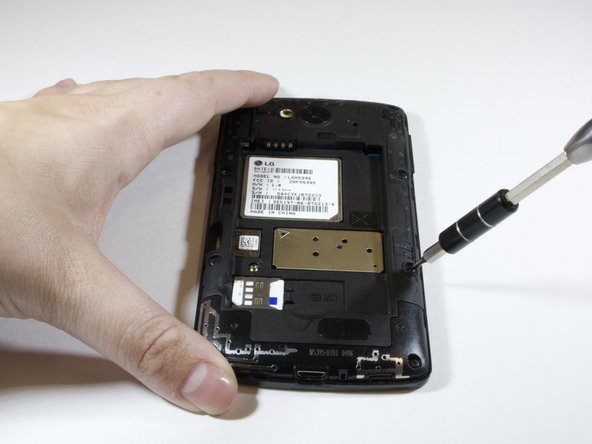
- Remove the eight 4 mm screws on the inner panel using the phillips #000 Screwdriver
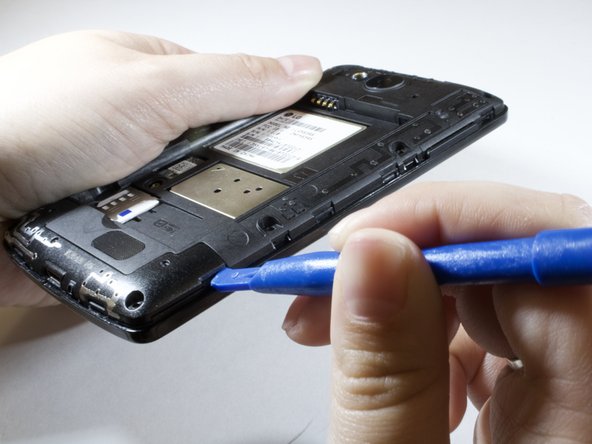
- Remove inner panel using plastic opening tool.
- Apply force upwards while wiggling the tool further in.
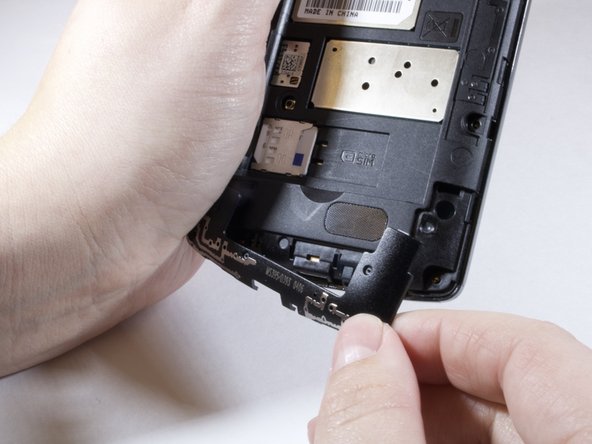
- Remove bottom of inner panel.
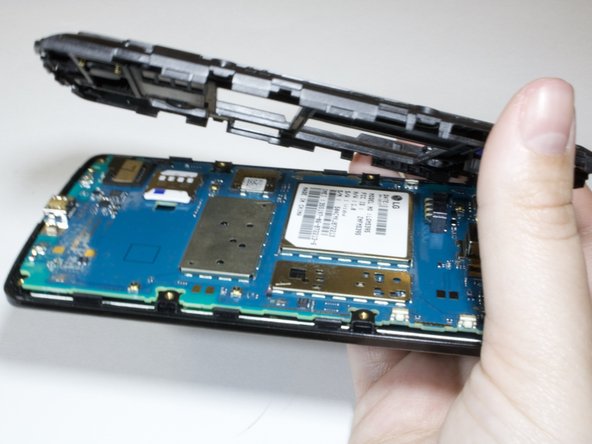
- Use plastic opening tool to take off the inner pannel.
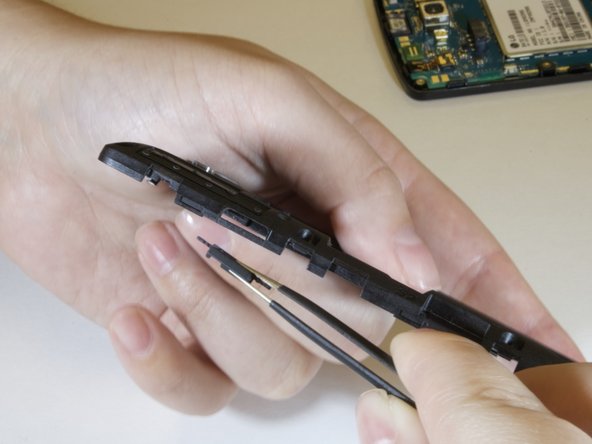
- Take out faulty power button replace with new one.