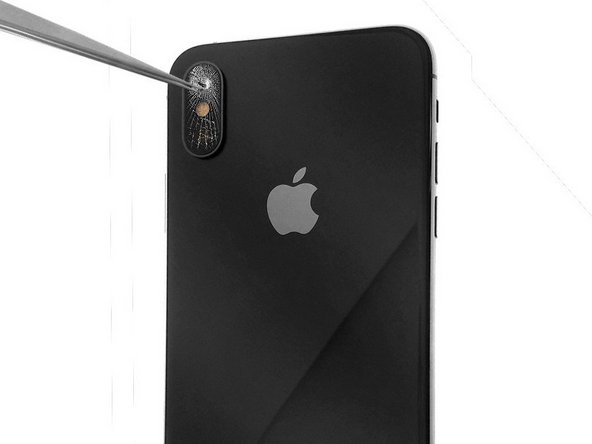
iPhone X Rear Camera Lens Replacement
ID: 113904
Description: (1) The glass lens of the rear camera on your...
Steps:
- If the camera glass is broken, remove the broken glass pieces from the camera housing.
- Remove the broken glass around the camera lens area, then clean the contours of the camera lens area.
- Attach the new rear camera glass with adhesive or use two drops of clear superglue on the sides of the camera housing.
- Position the replacement camera lens in the camera lens area using precision tweezers.
- Be extremely precise while doing this! You do not want to have to clean up and re-apply the superglue that you may have smeared when you aligned the camera glass wrong!
- Apply light pressure on the camera lens to secure the lens glass to the camera housing.
- You can now test your rear camera to check the sharpness of your photos and videos.