ZTE Tempo Front Screen Assembly Replacement
ID: 115338
Description: If you’ve cracked or damaged the screen of your...
Steps:
- Use a plastic opening tool to pry open the back case.
- Use a Phillips #0 screwdriver to remove the eight 5mm screws.
- Use a plastic opening tool to remove the midframe.
- Use a plastic opening tool to lift the press-fit connector up and disconnect the battery ribbon cable.
- Lift the battery up and remove it from the phone.
- Use the plastic opening tool to unplug the three connectors.
- Use the plastic opening tool to push up on the wire to remove it completely.
- Insert and slide the plastic opening tool alongside the seam, gently wiggling the opening tool to open and remove the motherboard.
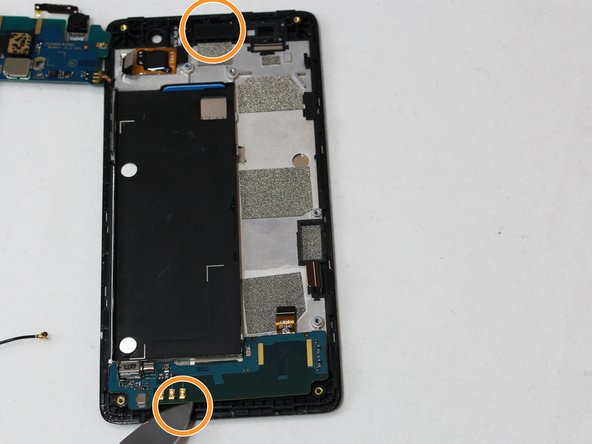
- Use the metal spudger to push up to remove the volume control.
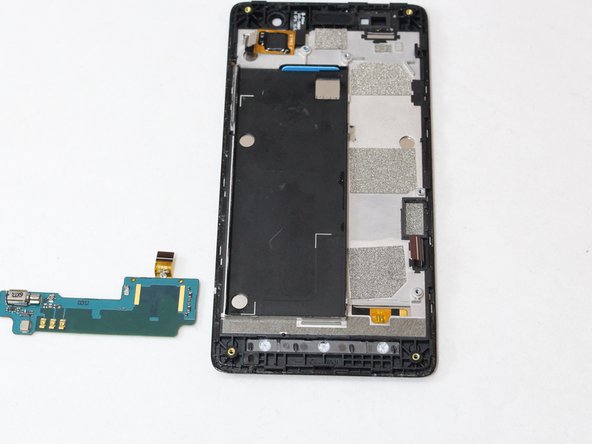
- Use the tweezers to remove the front speaker and bottom controller.