Portege Z830-S8302 Screen Replacement
ID: 115345
Description: Make sure laptop is powered off when working on...
Steps:
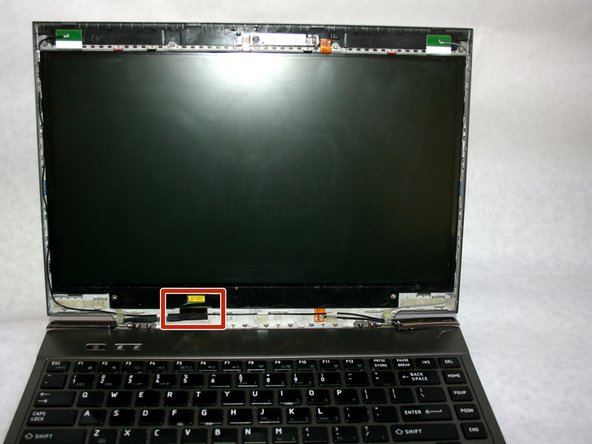
- Use a plastic opening tool to gently pry plastic frame from screen. Detach all housing clips around the perimeter of the screen.
- Remove two 3mm screws with a Phillips #000 screwdriver.
- Wedge a blue plastic opening tool between the screen and the frame to free the screen.
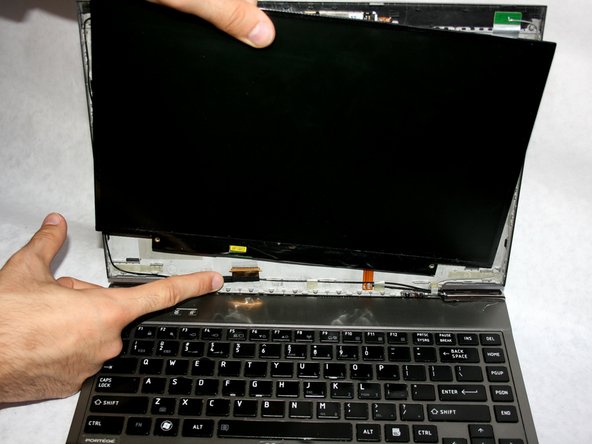
- Do not fully remove screen as it is still attached by connector cable on bottom
- Disconnect the display cable with your fingers to fully remove the screen from the device.