MSI GT62VR 6RD Dominator Cooling Fan Replacement
ID: 115370
Description: This guide will help you replace your cooling...
Steps:
- Remove the six 1.2mm screws on the bottom plate of the laptop using a JIS #0 screwdriver.
- Insert the plastic opening tools into the seam on the back plate of the laptop.
- A popping sound may come from your device while you remove the backplate.
- Pry the back plate up.
- Slide the plastic opening tool around the laptop's edge slowly until the backplate is completely removed.
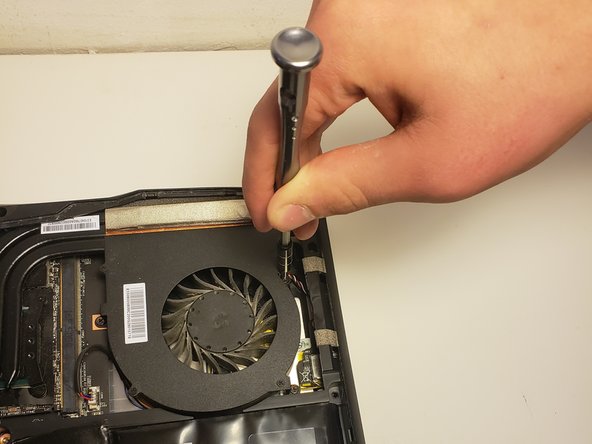
- Remove the three 2.0mm screws using the JIS #0 screwdriver.
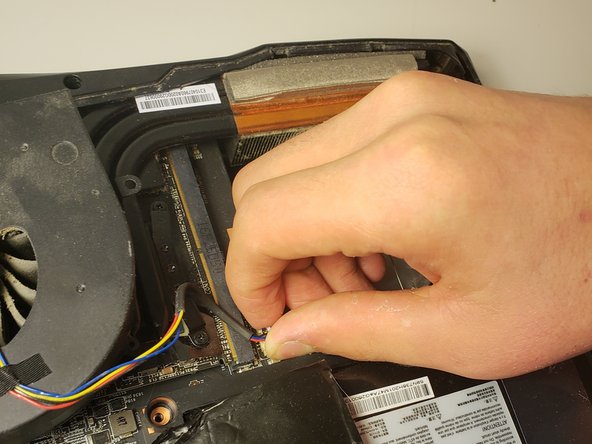
- The white plastic clip secures the fan wires to the laptop.
- Unplug the white clip by grasping it and wiggling it back and forth .
- Do not pull the clip out by the wires themselves.