Kyocera DuraForce Pro Battery Replacement
ID: 115374
Description:
Steps:
- Be sure the device is turned off.
- Flip the phone onto its backside.
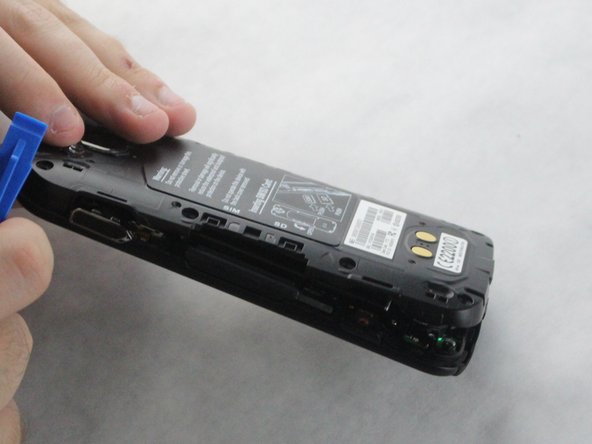
- Remove the back cover by using a plastic opening tool.
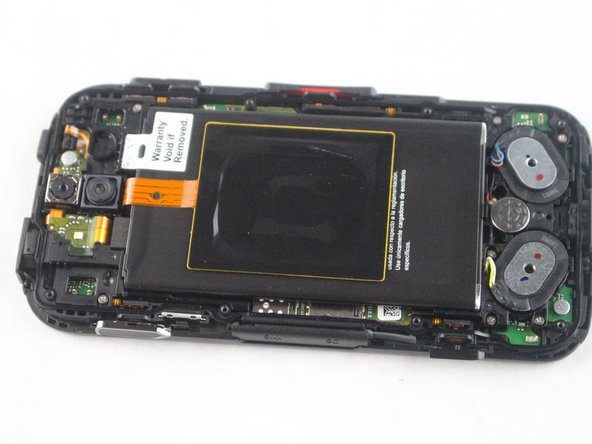
- Remove the eight screws with a JIS #0 screwdriver.
- Once the back cover is removed, the (6) buttons along the side are going to fall out of place.
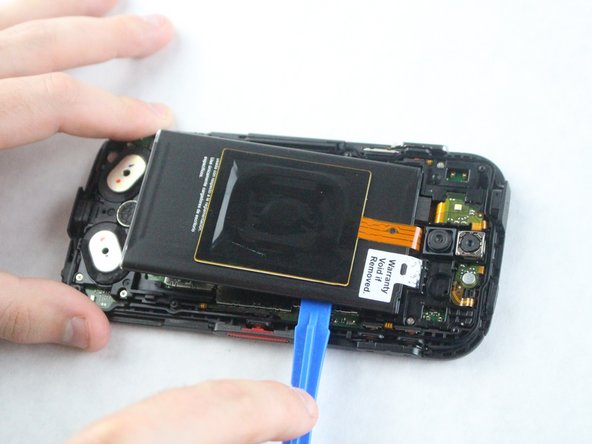
- Using the plastic opening tool from earlier, lift the battery out by wedging it along the edge.
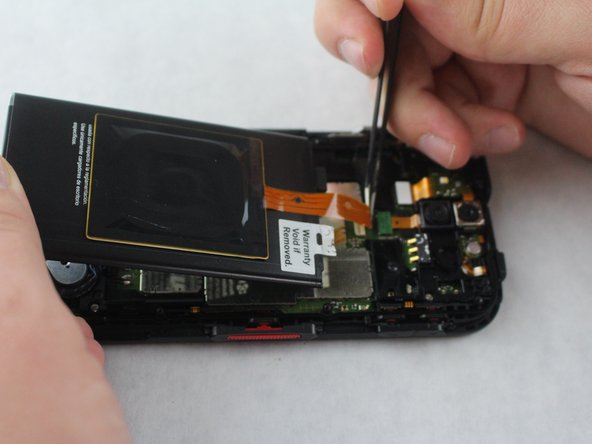
- Using tweezers, unlock the ribbon cable port and lightly pull the cable upwards until it becomes unplugged.