LG Phoenix 2 Headphone Jack Replacement
ID: 117314
Description: If you need to install a new headphone jack on...
Steps:
- Insert a fingernail into the notch on the bottom right corner of the phone.
- Pop off the back cover off of your device.
- Insert a fingernail in the notch under the battery.
- Remove the battery.
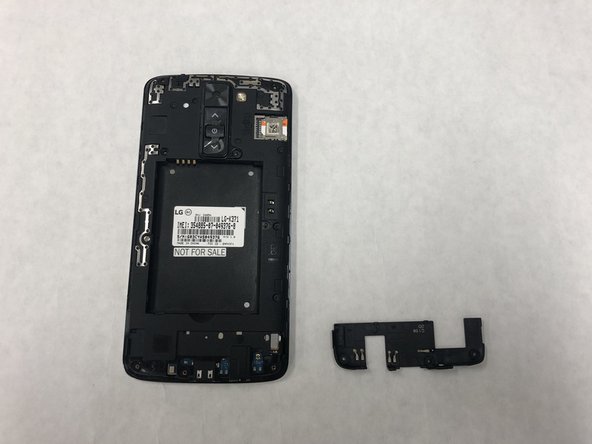
- Insert the opening tool under the bottom cover.
- Pop the bottom cover off.
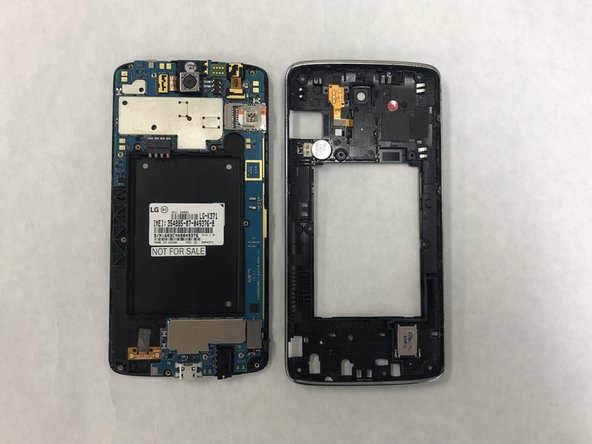
- Remove eight 3mm screws using a Phillips #0 screwdriver.
- Insert the opening tool in between the phone screen and the silver trim.
- Pop off the trim.
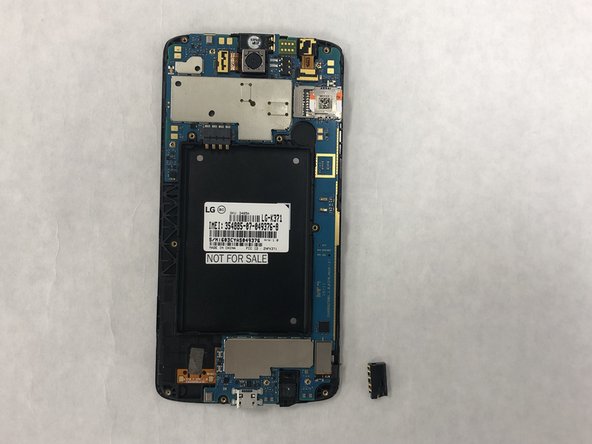
- Insert a screwdriver into the headphone jack.
- Pop out the headphone jack.