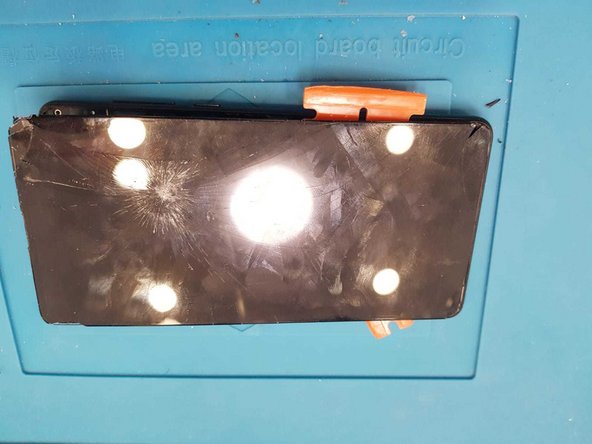
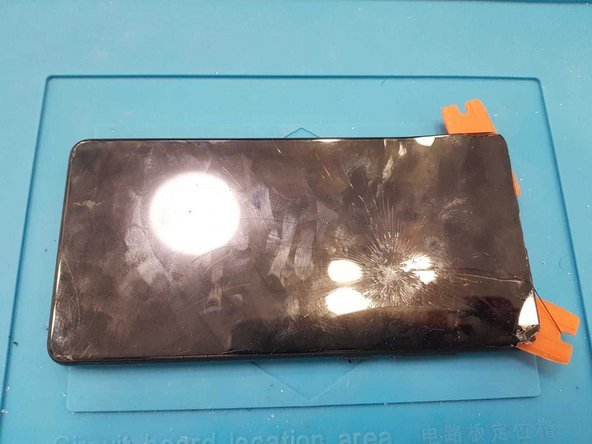
Xiaomi Mi Mix 2s Screen (LCD+Touch) Replacement
ID: 117333
Description:
Steps:
- Turn off and remove the SIM card.
- Apply heat to loosen the back cover adhesive. Then remove it carefully.
- Remove all nine screws that hold the shield protecting the motherboard.
- Remove the shield and disconnect the battery connector, LCD and touch connector, and touch ID connector.
- Remove the battery carefully as shown and apply heat to loosen the adhesive holding the screen.
- Carefully start to separate the screen as shown. Start from the top corner.
- You have done it.