HP ProBook 440 G1 Wifi Card Replacement
ID: 117373
Description: How to remove and replace the Wifi card on an...
Steps:
- Make sure the laptop is turned off before you start.
- Push and hold the release tab on the right and left toward the center.
- Pull the battery out.
- Push and hold the release tabs on the right and left toward the center again.
- Slide the backplate off.
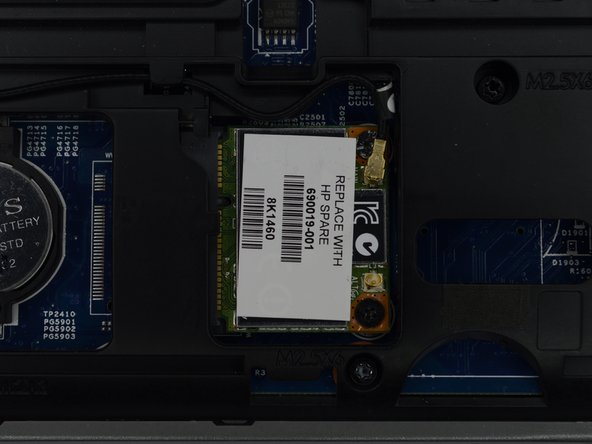
- Locate the Wifi card, found opposite the battery and across from the hard drive.
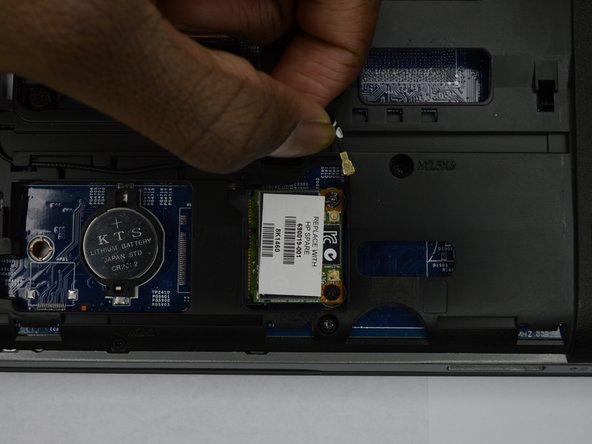
- Remove the wire located near the screws on the wifi card.
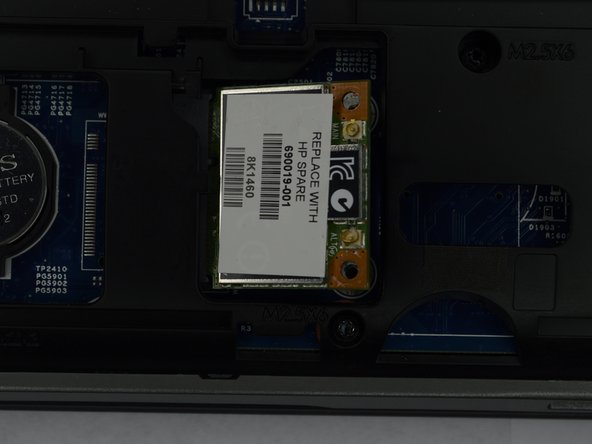
- Remove the two Phillips #00 screws holding the wifi card in place.
- Remove the wifi card.