Asus Q325U Battery Replacement
ID: 119183
Description: This guide will take you through the steps...
Steps:
- Remove the ten 5mm screws using a T5 Torx screwdriver.
- Lift the back panel upward using the suction tool.
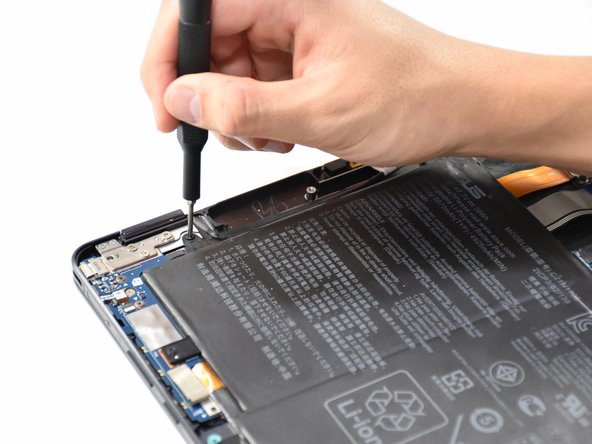
- Remove the seven 5mm screws around the battery using a Phillips #00 screwdriver.
- Using a Phillips #000 screwdriver, remove the two 3mm screws on top of the orange battery connector.
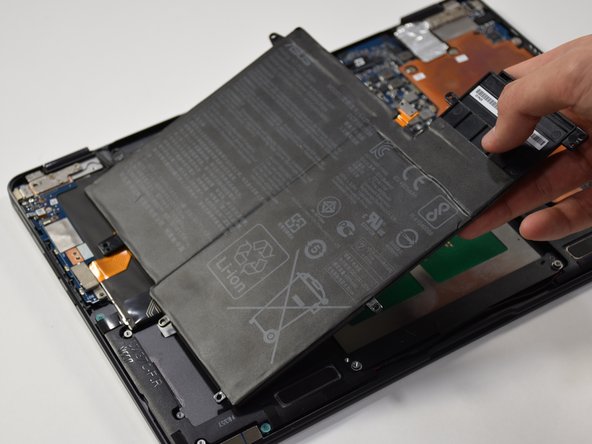
- Lift the battery out from the laptop.