Samsung Chromebook Series 3 Front Camera Replacement
ID: 121932
Description: This guide will demonstrate how to remove and...
Steps:
- Use the iFixit opening tool to get under the front cover and pop it out of place
- Remove the four 2.9 mm screws with the Phillips #00 Screwdriver bit.
- Using the iFixit opening tool, try to lift up the screen (it is held down by some adhesive).
- Lift the lever to release the cable and pull the cable out.
- You can now remove the screen.
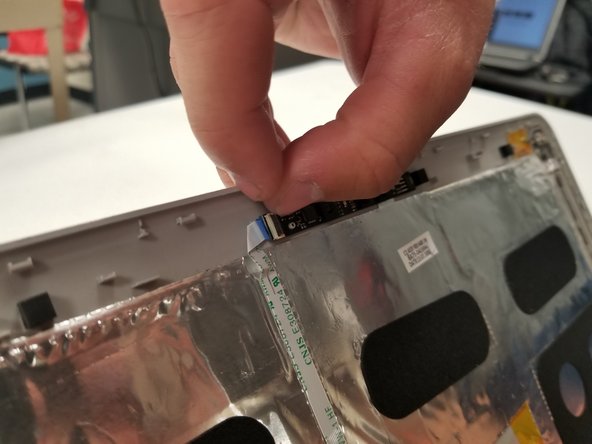
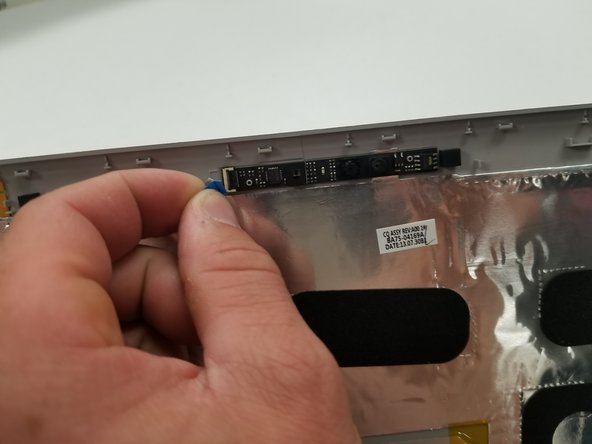
- Disconnect the ribbon cable connected to the front camera assembly.
- You will need to flip up the little black lever to release the cable.
- Use an iFixit opening tool to pry the front camera assembly from the adhesive holding it in place.