Xiaomi Mi 8 Complete Screen (LCD and Digitizer) Replacement
ID: 124725
Description:
Steps:
- Turn off the cell phone and remove the SIM card.
- Place on top of a hot plate on soften the adhesive on the back cover (no more than 90ºc of heat). You can also use a heat gun, but be careful not to overdo it.
- Use a razor or a piece of plastic to take off the cover. Watch out! It is very fragile, use a lot of caution. Be careful with the flex cable. Do not insert the blade too far or you can cut it.
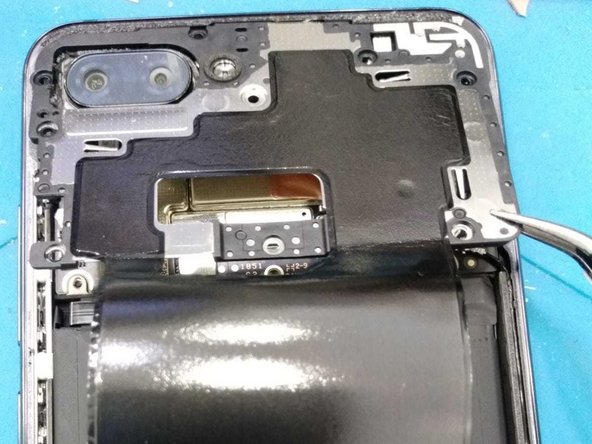
- Lift the cover from right to left, but do not do it completely while the flex cable is still connected. Unscrew the seven screws and place them as in the image.
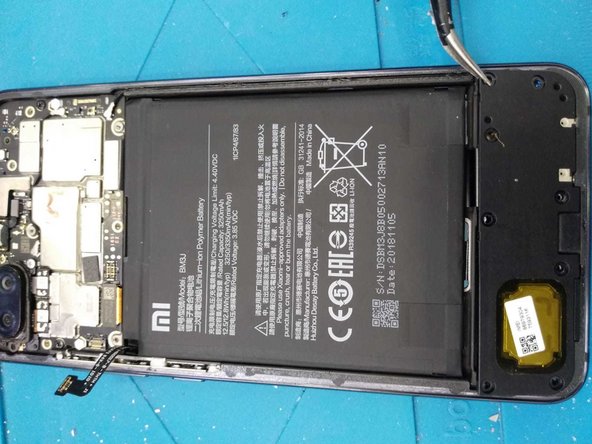
- Unscrew the eight screws that fasten the bottom speaker. This step isn't necessary but it makes it much easier to pull the adhesive on the battery.
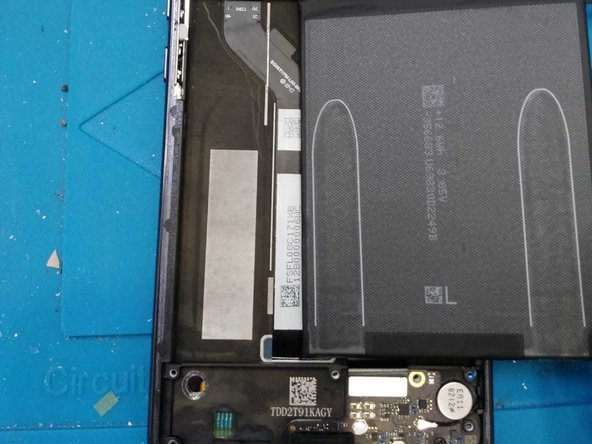
- Carefully pull the two adhesives that attatch the battery to the middle frame.
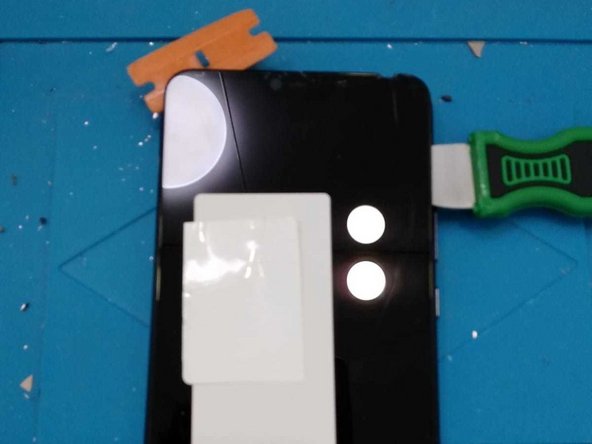
- Place the screen on the plate (apply heat), separate the screen from under as you have done with the back cover
- Congratulations, you have finished. To mount the new screen continue the guide in reverse.