HP Pavilion dv6-1245dx Hard Drive Replacement
ID: 125689
Description:
Steps:
- Unplug the charger and remove the battery.
- Flip over the laptop.
- Remove the Hard Drive cover screws with a Phillips #1 screwdriver.
- The screws will not come all the way out
- Remove the Hard Drive cover.
- Remove the SATA cable from the hard drive, then remove the hard drive.
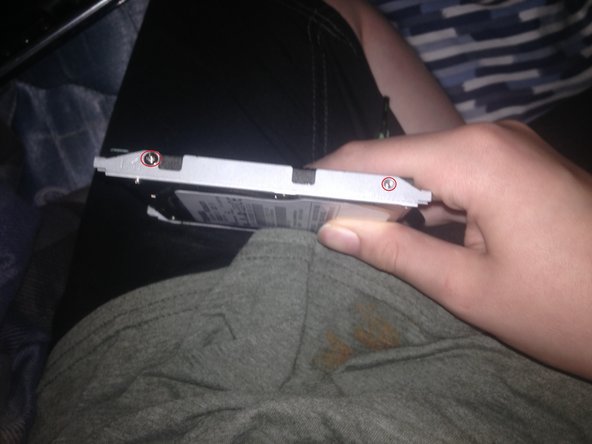
- Remove the screws from the hard drive enclosure.
- Remove the Hard Drive from the enclosure