Sony Mavica MVC-CD1000 LCD Screen Replacement
ID: 127600
Description: If your Sony Mavica MVC-CD1000 camera is not...
Steps:
- Gently open this panel using a plastic opening tool or your hands.
- Use the suction cup to remove the cover and pull it out of the device.
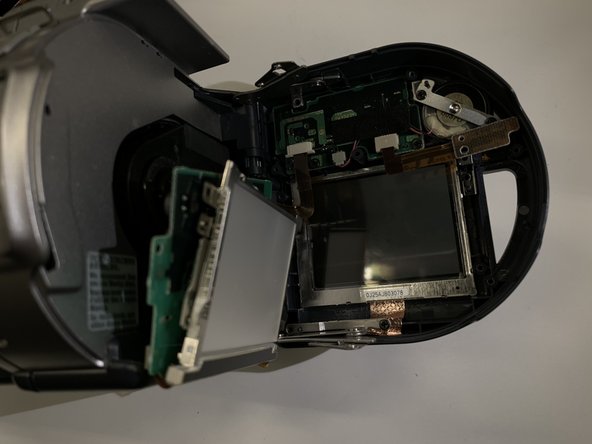
- Loosen and remove the screws using the screwdriver and locate the LCD board as shown in the photos.
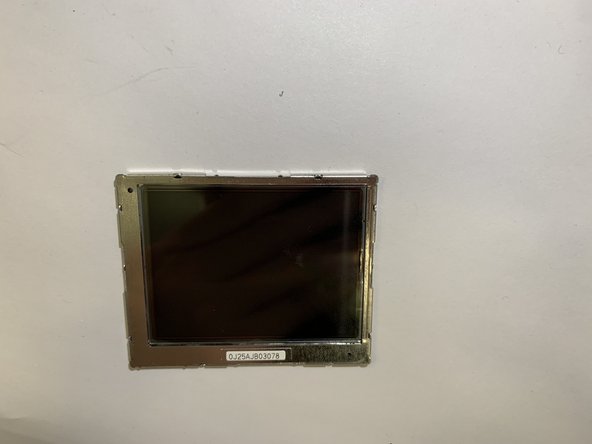
- Remove the motherboard by pulling up the panel and remove the LCD screen from the device.