Asus Zenfone Max M2 Screen Replacement
ID: 130052
Description: Accidentally dropped your Asus Zenfone Max M2?...
Steps:
- Power off the phone before starting the repair.
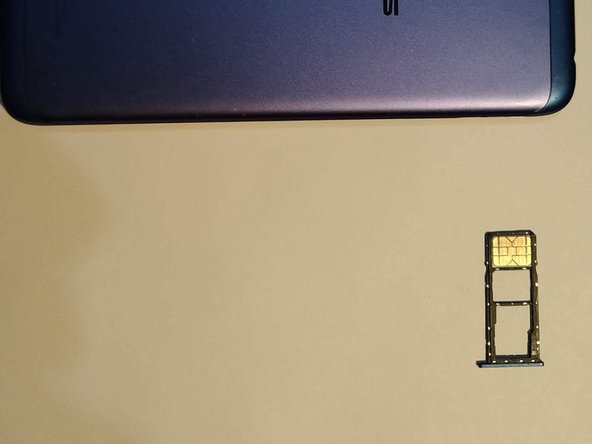
- Remove the SIM card tray.
- Pry open the back cover. Start at the SIM card slot where it's most flexible.
- Work your way around the back cover using a plastic pick until it detaches from the phone.
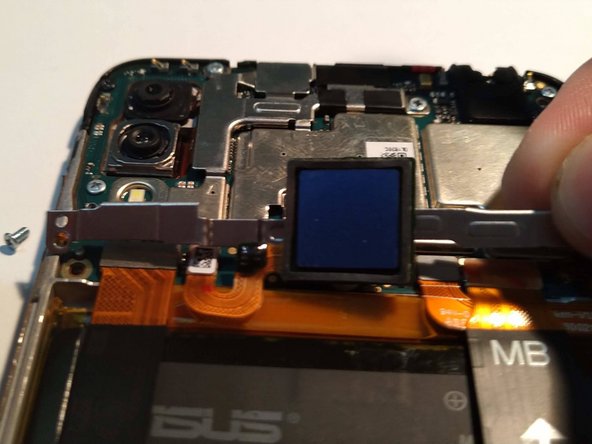
- Lift up the fingerprint sensor.
- There is some adhesive tape below the fingerprint scanner.
- Use your screwdriver to remove the three screws that secure the bracket underneath the fingerprint sensor.
- Remove the seven screws securing in the speaker plastic and pry it up.
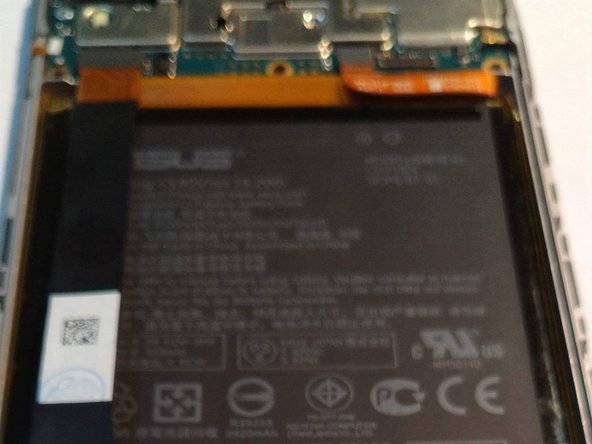
- Disconnect the antenna cable and the interconnect cable that runs across the battery.
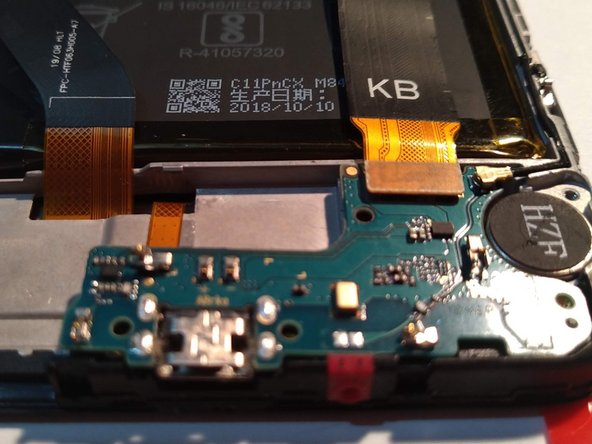
- Remove the rest of the screws holding in the daughterboard and remove it as shown.
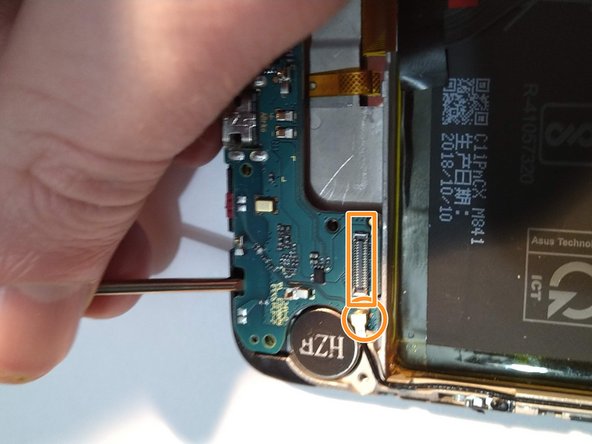
- Remove the connectors underneath the top bracket.
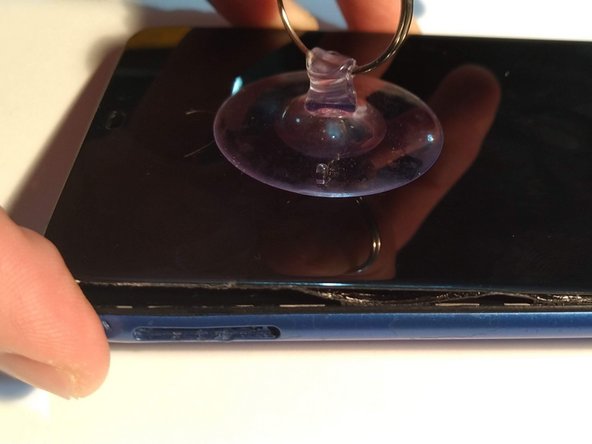
- Use suction cups to pull back on broken screen.
- If your screen is heavily cracked, cover it in tape. This allows the suction cup to grip better and will prevent glass shards from falling off.
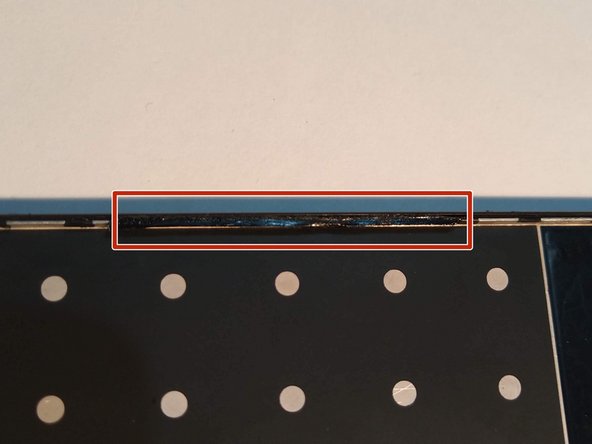
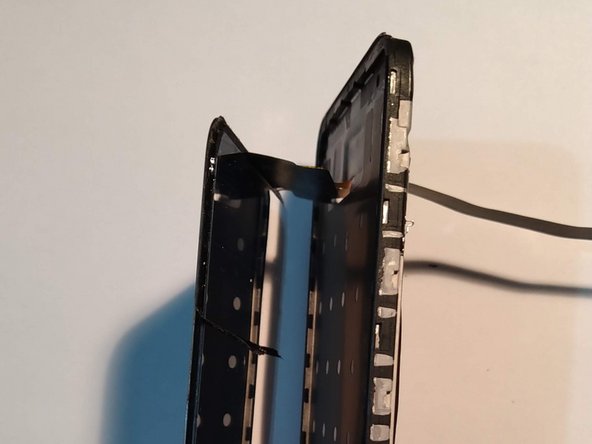
- The screen is held in by tape. Be gentle and patient, it can be detached. If needed, you can reinstall the back cover for more leverage.
- During reassembly, test the new screen before applying adhesive by reconnecting the display cables and powering on your phone. Power your phone off before continuing reassembly.
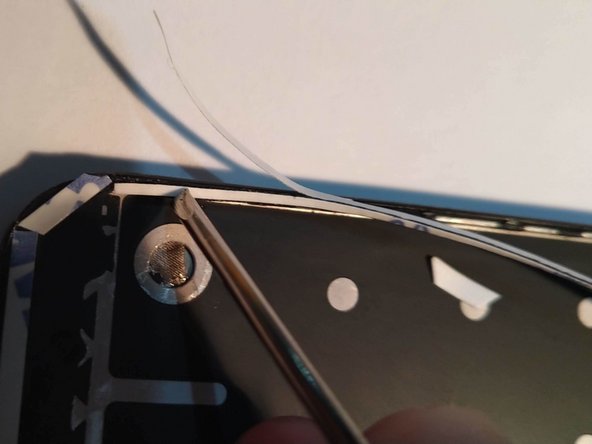
- Remove any old adhesive residue from the front of the phone and set the old screen aside.
- You can use a spudger to help scrape it off.
- Reapply 3M 9448A tape to the lips on the inside edge of the phone. Cover as much surface area as possible.
- During reassembly, use a pair of tweezers to install the new adhesive.
- Don't touch the tape with your fingers or the adhesive will lose strength.
- Remove the front backing and you're ready to install the new screen.
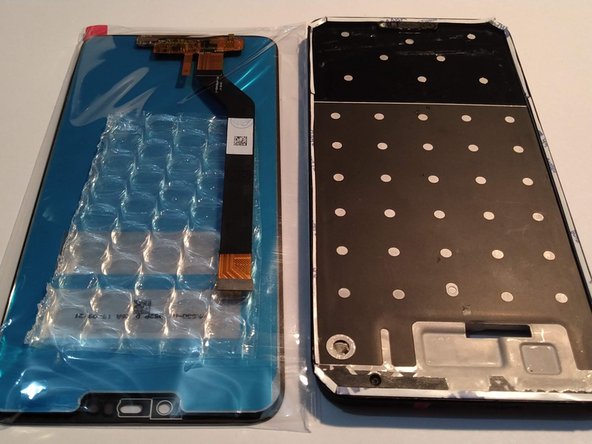
- Remove all packaging from the new screen.
- Thread the ribbon cable through the slot in the phone.
- Carefully line up and apply the new screen to the tape, using light pressure to ensure the screen adheres correctly.
- Flip the phone over.
- Ground the screen to the body of the phone.
- Re-insert the charging circuit board.
- Reconnect the ribbon that goes across the battery.
- Snap the bottom plastic speaker piece back into place and screw it in.
- Reinsert the top cross-bracket and fingerprint sensor. Screw it in place.
- Reinstall the back cover and SIM card tray.
- Enjoy the sound of peeling the plastic off your new screen!
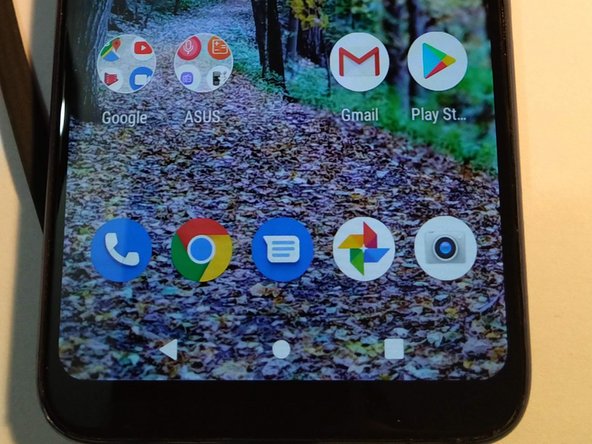
- Congratulations, you're done!
- Check that all functions of your phone are working correctly and test out your new screen.