Yuneec ST10 Plus Joystick Replacement
ID: 130659
Description: This guide explains how to properly remove and...
Steps:
- Flip the controller upside down to access the battery compartment.
- Grab the compartment door and pull down.
- Gently lift the blue tab connected to the battery in order to remove the battery from its housing.
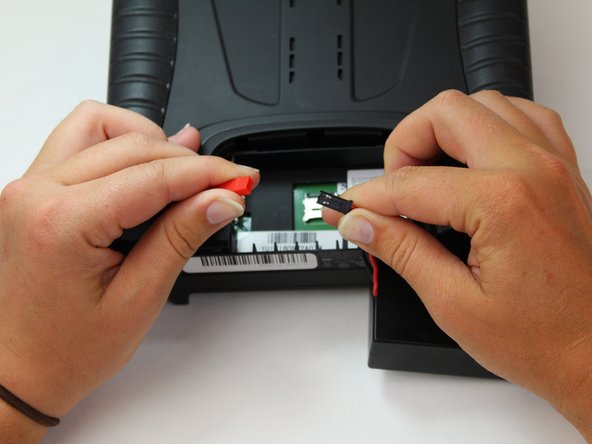
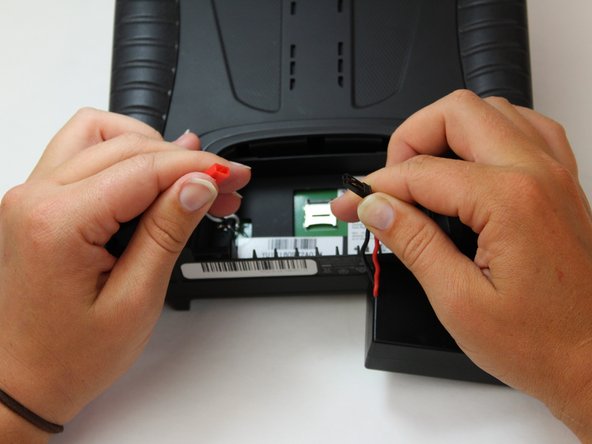
- To disconnect the battery from the remote, grab the red and black connectors.
- Pull gently on connectors until they disconnect.
- Slide the Jimmy underneath the rubber grips and pry upwards.
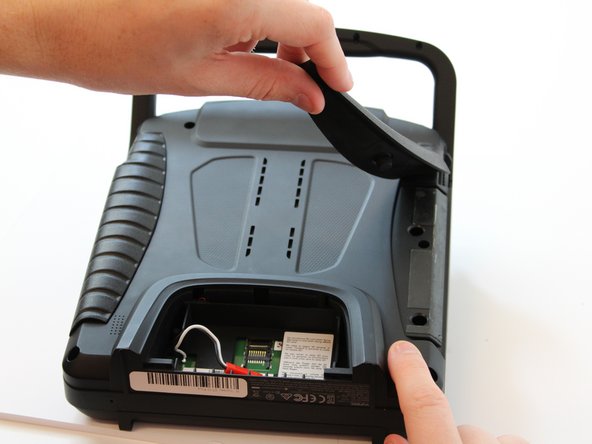
- With your free hand grasp the rubber grips and pull upward to remove it.
- Remove the six 1.3 cm screws located on the back panel of the remote using the 5.5mm hex screw bit.
- Remove the four 6mm screws from the handle using the 4mm hex driver bit.
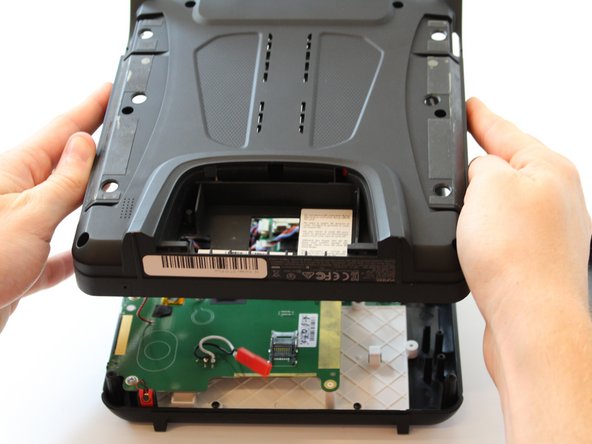
- Carefully pull up and over on the back panel to remove. Take your time because there are wires connecting the two panels that can be easily torn.
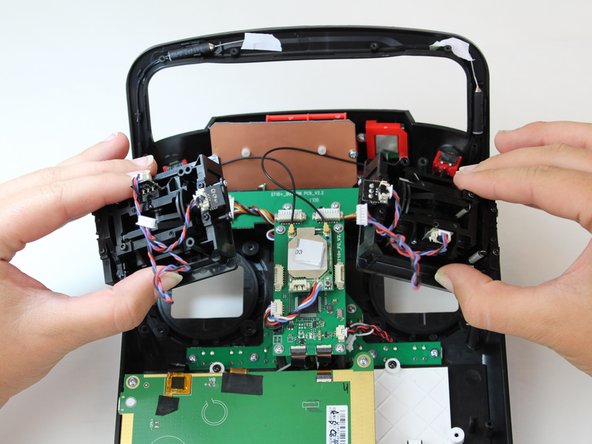
- Use the nylon tipped tweezers to pull the two joystick cables from their connectors.
- The cable connectors are located in the middle of the device and are inline with the two joysticks on the motherboard.
- With the 5mm hex diver bit, remove the eight 10mm screws surrounding both joysticks.
- Flip the controller back over.
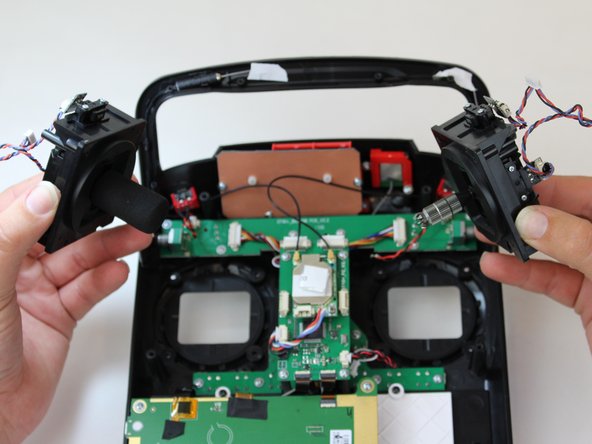
- Remove the joysticks.