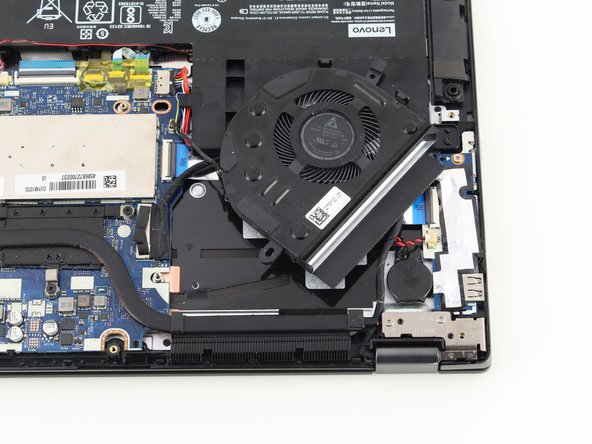
Lenovo IdeaPad Flex 5-1470 Fan Replacement
ID: 130664
Description: Use this guide to replace the fan in your...
Steps:
- Remove all ten 6.6 mm screws with a Phillips #00 screwdriver.
- Use the plastic opening tool to lift up and remove the casing.
- Remove the two 3.6 mm fan screws located in the top left corner of the device.
- Find the black cable connecting the fan to the motherboard and gently unplug the cable to fully remove the fan.