Lenovo IdeaPad Flex 5-1470 Wireless Network Adapter Replacement
ID: 130668
Description: If your Lenovo IdeaPad Flex 5-1470 (Model Name:...
Steps:
- Remove all ten 6.6 mm screws with a Phillips #00 screwdriver.
- Use the plastic opening tool to lift up and remove the casing.
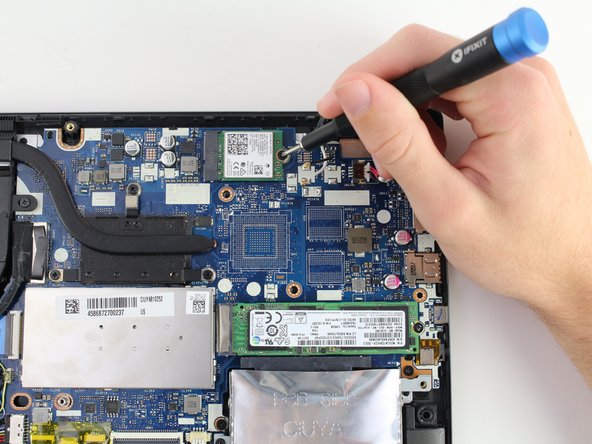
- Use the reverse tweezers to carefully unplug the two wired connections.
- Be careful when removing the wire connections to avoid damage to the metal connections on the adapter.
- Using the Phillips #00 screwdriver, remove one 3.6 mm screw.
- Remove the wireless network adapter.