Logitech K120 Keyboard USB Cable Replacement
ID: 132208
Description: Cables can be damaged. This guide will help...
Steps:
- Remove the Phillips #000 screw. Turn the screwdriver counter-clockwise.
- Use the spudger to separate the top of keyboard from the bottom of the keyboard.
- Remove the top of the keyboard and put it aside.
- Unscrew the highlighted screws using a Phillips #000 Screwdriver. Turn the screwdriver counter-clockwise.
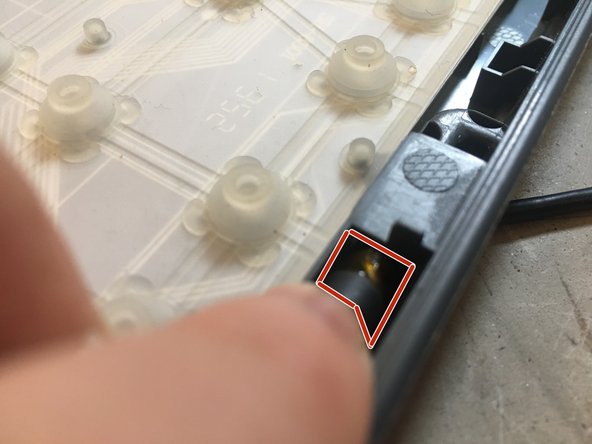
- Use the spudger and carefully pry the connector out of its socket. (Highlighted in the pictures)
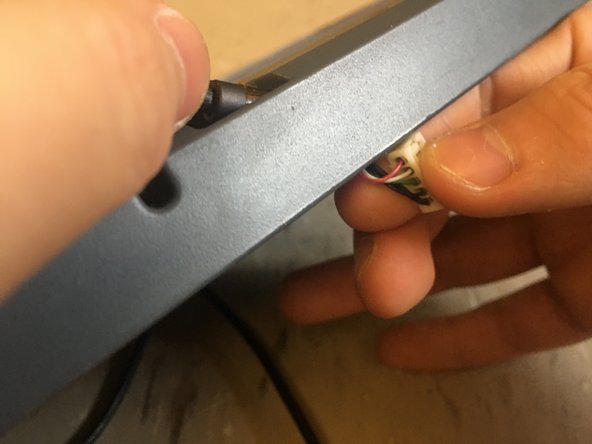
- Carefully nudge the connector out of the hole in which the cable enters the keyboard's chassis.
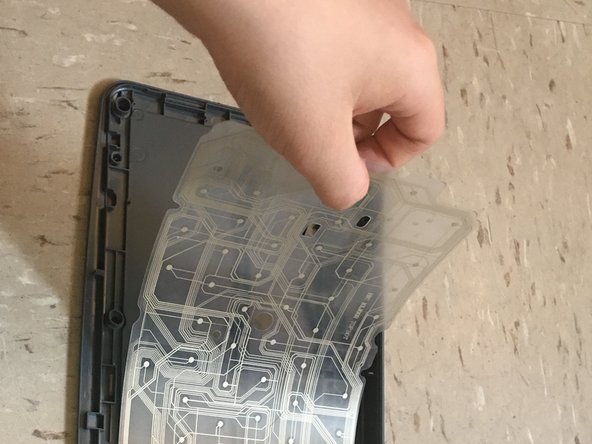
- Peel the membrane off carefully so that the membrane doesn't rip.
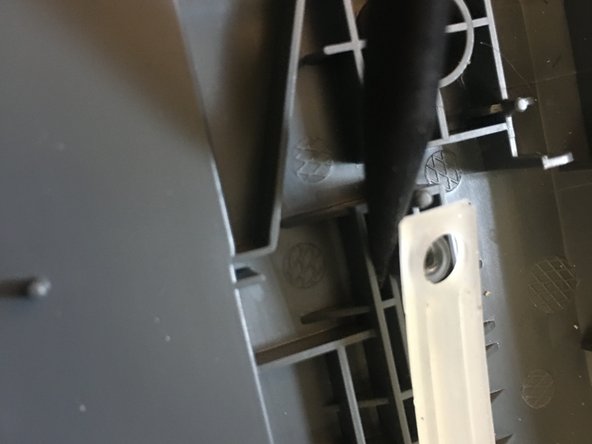
- Stick the sharp end of the spudger into the corner of the second membrane and bring the spudger partly underneath the membrane.
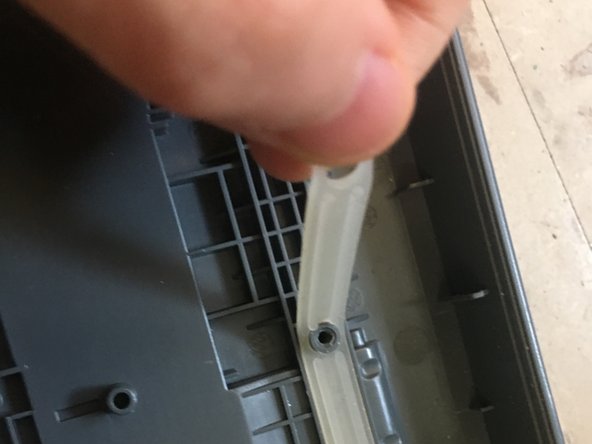
- Lift the membrane off of the first standoff.
- Peel the rest of the membrane off carefully so the membrane doesn't rip.
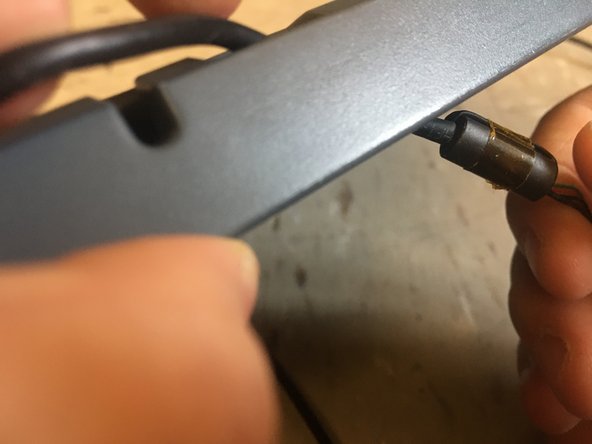
- Slide the new cable into the hole.
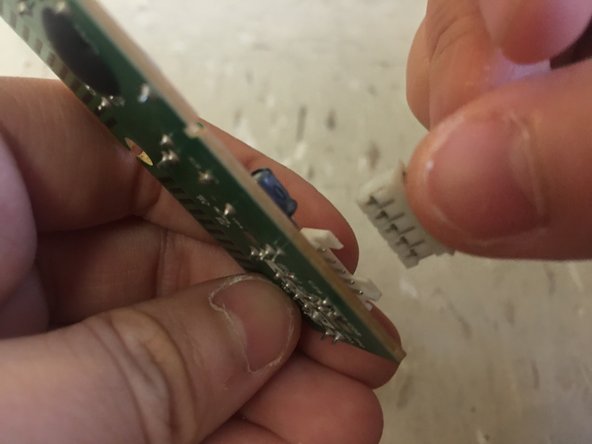
- Connect The Cable To The Circuit Board.