Nokia 515 Front cover and keypad replacement
ID: 132251
Description: Use this guide to replace the front cover and...
Steps:
- Remove the back cover with your fingers or with the eject tool which is included by Nokia.
- Don't forget to turn off your device!
- Remove the battery, the microSD card and the SIM card.
- Remove the 2 screws with the T4 screwdriver.
- Please store the screws on a safe place! I already lost a screw!
- Take the metal spudger and pry it firmly under the plastic hinges.
- Although you want to replace the cover, be very careful by doing it! You could harm yourself with the metal spudger.
- You could also use your fingers instead of the spudger to do it!
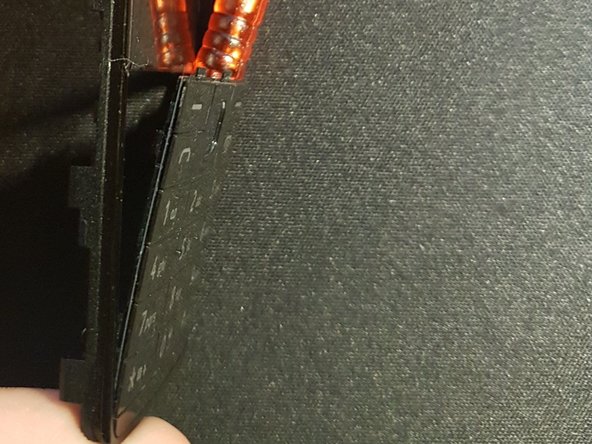
- To remove the keypad, you should use the spudger to push the top clamps down a little bit while pressing your fingers against the inside of the keypad.
- The keypad should be loose at the top.
- To remove the bottom, just use a little bit of force to pull it off the front panel.
- Just use a little bit of force.
- To assemble the new keypad, start at the upper half of the keyboard.
- To reassemble the front, just click it in place (you hear a clicking noise).
- Now screw the T4 screws back into the holes.
- Now you put the microSD card, the SIM card and the battery back into your device.
- Now you can turn on your device.