HP Pavilion 15-ba003ds Charging Port Replacement
ID: 132290
Description: This guide will detail how you can get into the...
Steps:
- Unplug the AC adapter from the corresponding socket in the laptop.
- Turn off your laptop before starting this procedure. Make sure it's not in sleep or hibernation mode.
- Use your fingers to push the slider located just under the battery on either side to unlock the battery from the laptop.
- Carefully slide the battery out of the laptop frame and place it somewhere safe.
- Use a Jimmy to pry off the black backplate.
- Remove three black 6mm Phillips #00 screws.
- Unplug the white connector using your fingers or a spudger.
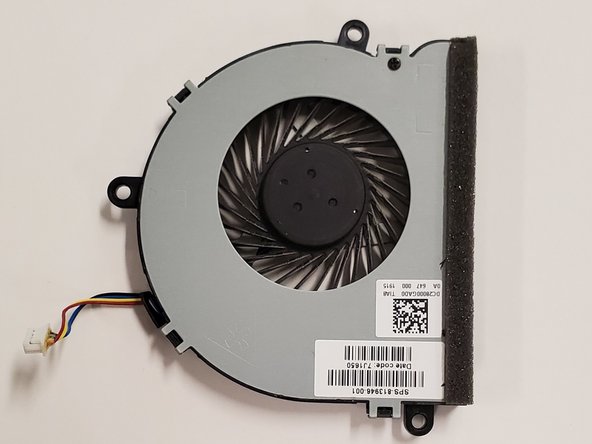
- Pull out the fan by hand.
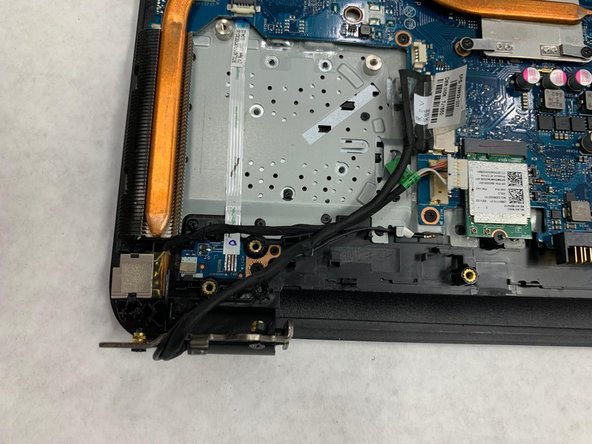
- Use a spudger to disconnect the power cable from the motherboard.
- Remove two 8mm Phillips #2 screws from the metal plate.
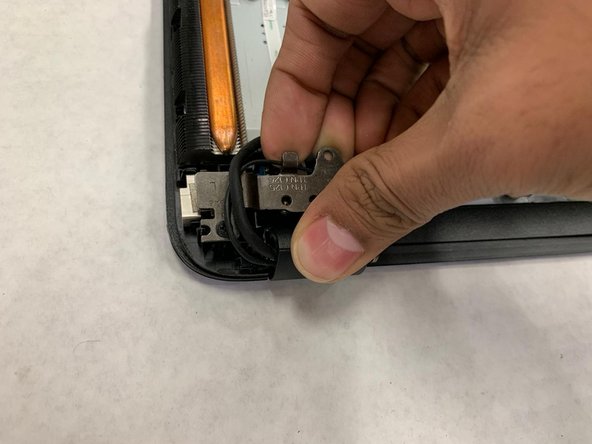
- Use your hand to flip the metal plate so you can see the charging port fully.
- Use a spudger to pry off the charging port.