Karcher Rotary Floor Cleaner 17833080 2017 Roller Brush and Suction Bar Replacement
ID: 133146
Description: The Karcher Rotary Floor Cleaner 17833080 2017...
Steps:
- Before you begin, make sure to power off and unplug the device.
- Lift the tank by the handle and remove it from the device.
- Press the yellow button near each wheel base to release the wheels.
- Remove both wheels from their sockets.
- Press the yellow foot switch at the base of the device to lower the suction bars.
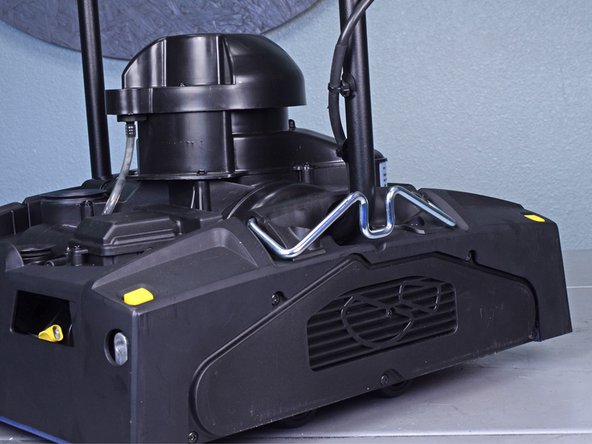
- Raise the handle to the upright position.
- This will engage the carriage rollers and lift the device.
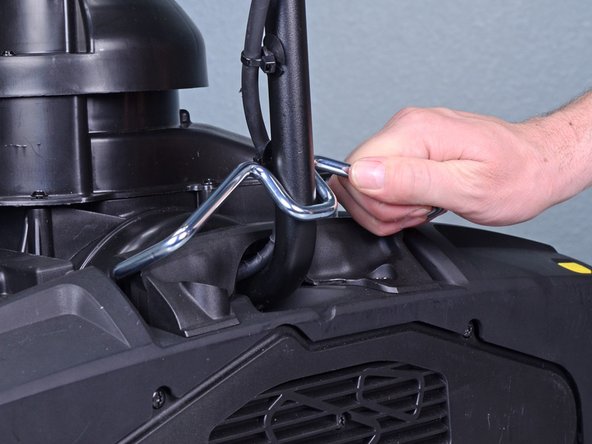
- Engage the retaining bracket to lock the handle in place.
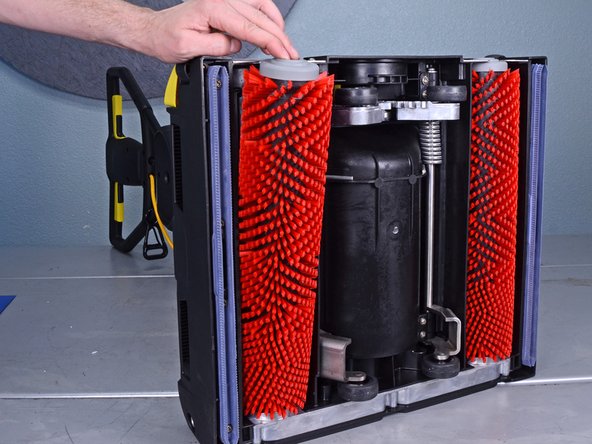
- Grasp the handle and carefully tilt the device onto its side.
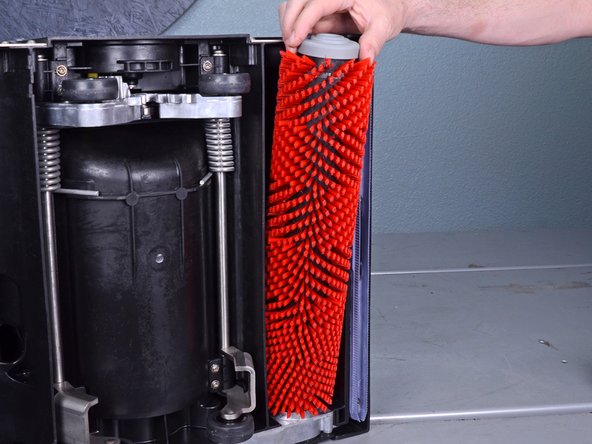
- Tilt the top of the roller brush out of the brush well.
- Remove both roller brushes.
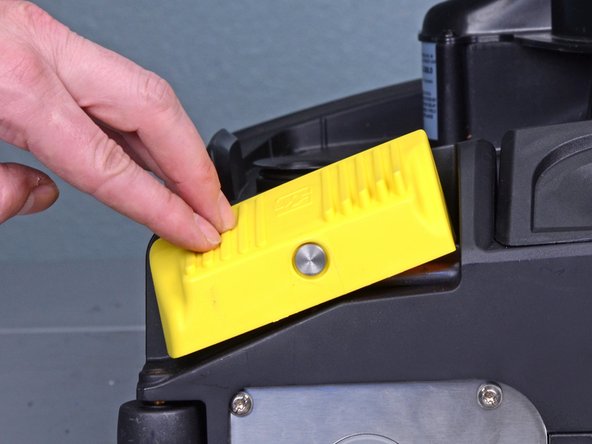
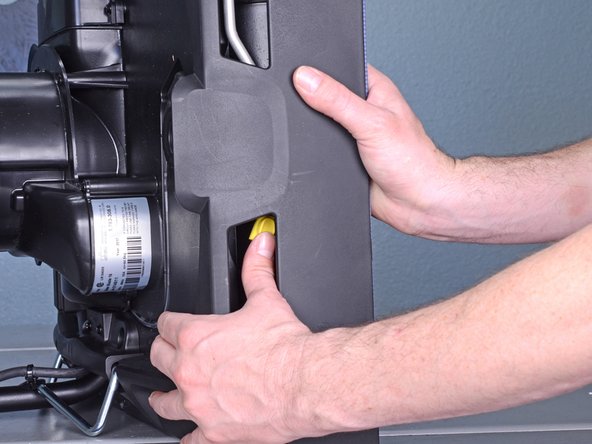
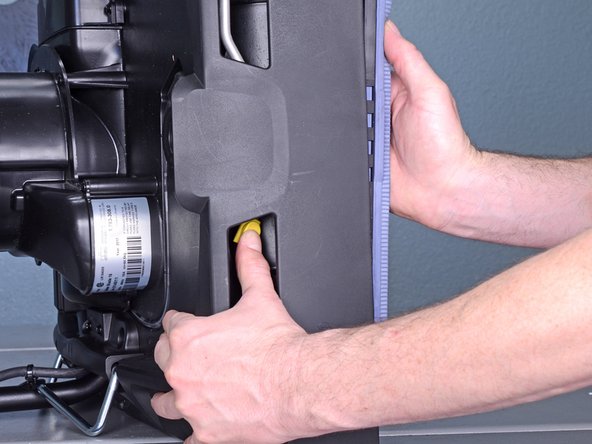
- Press the yellow button on the suction bar retaining bracket to release the suction bar.
- If you can't see the yellow button, press the yellow foot switch at the base of the device to lower the suction bars.
- Remove both suction bars.
- Reassembly tip: When you re-insert the suction bars, be sure to orient the locking tab towards the center of the device. This allows the bars to click in place.