How to Repair Apple Wireless Keyboard A1314 - Doesn't Turn On
ID: 136822
Description:
Steps:
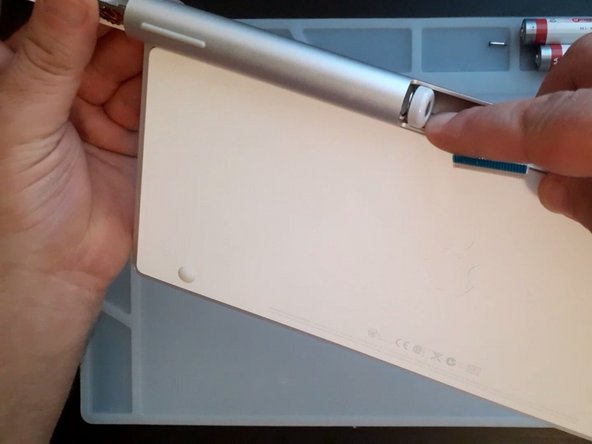
- As you can see from the photo, the negative pole of the battery is connected to the main board through the aluminum body of the keyboard.
- There are two contact areas:
- Between the battery cover and the KB aluminum body
- Between the power button assemble and the KB aluminum body
- If the device has a power problem, we need to check and clean these two places
- Use a Coin to remove the metal battery screw cover
- Change the batteries (AA) and test the keyboard
- If the keyboard does not work, go to the next step
- Use cotton buds, Toothpicks and Isopropyl Alcohol to clean the contact area and the battery cap.
- Test the device and f the keyboard does not work, go to the next step
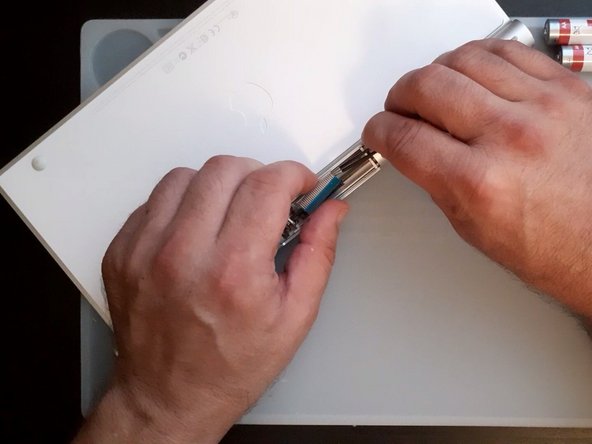
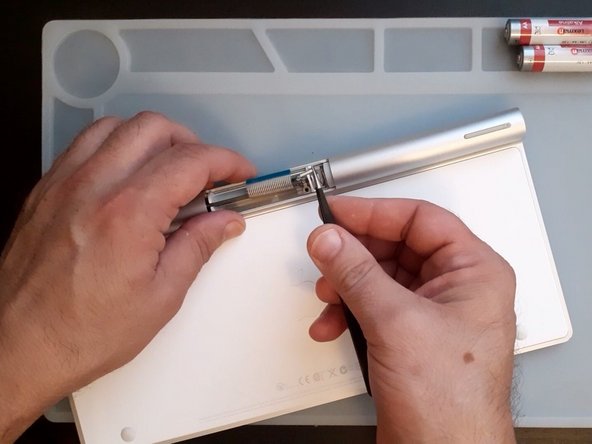
- Remove the plastic cap from the middle on the tube and disconnect the KB flex cable
- There are a screw secured the BT antenna, remove it
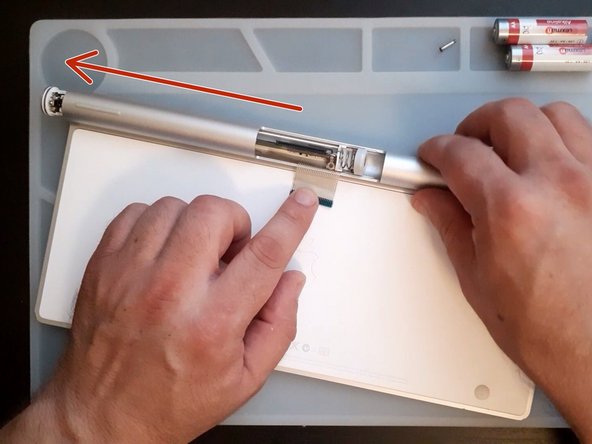
- Slide the board out.
- Be careful for the KB Flex Cable
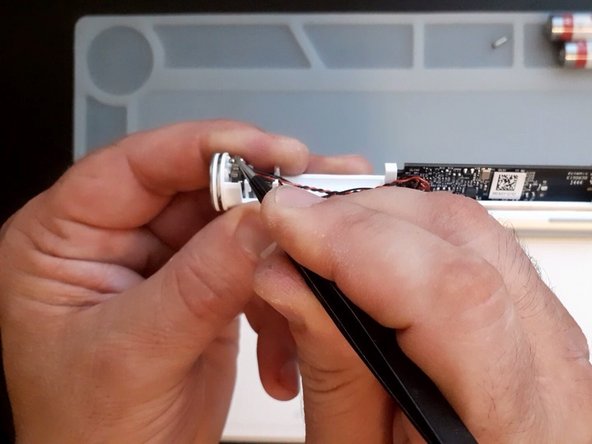
- Use tweezers or a sharp metal tool and slightly bend the contact plate outwards
- Clean the tube and the contact plate
- Install back the logic board plate and be careful for the flex