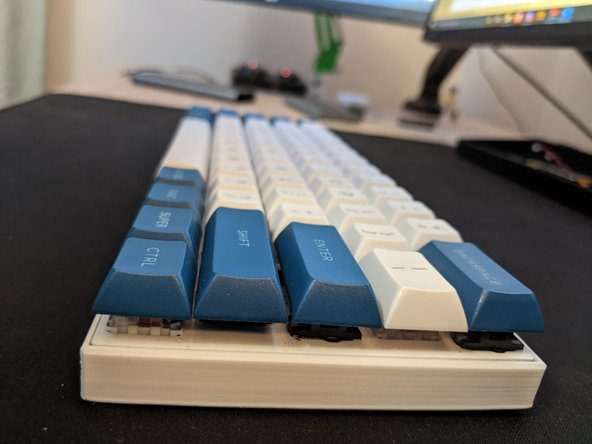
Anne Pro 2 Case/Housing Replacement
ID: 136844
Description: This guide will show you how to replace the...
Steps:
- Unplug the Anne Pro 2 Keyboard.
- Turn off the Anne Pro 2 Keyboard using the switch on the bottom.
- Using a keycap remover, remove the the following keycaps: Left Alt, Space Bar, Right Shift, Backslash, Y, H, and the Tab key.
- Using a Torx T5 bit, remove the five screws from the keyboard.
- Lift the keyboard slowly from the bottom side.
- Do not fully lift the PCB because the battery is still plugged in.
- Gently unplug the battery connector by wiggling it back and forth.
- Remove the PCB from the main case.
- Gently lower the PCB into the Zero-Degree housing from the top side first.
- Firmly press it in once you have lowered it.
- Screw the five T5 Torx screws back into place.
- Take the seven keycaps you removed and gently place them in their intended spots on the keyboard.
- Firmly press them in, ensuring they are flush with the rest of the keys.