Probook 650 G5 Screen Replacement
ID: 136859
Description:
Steps:
- Turn off your Laptop and open the Lid so that you can access all sides of the Monitor
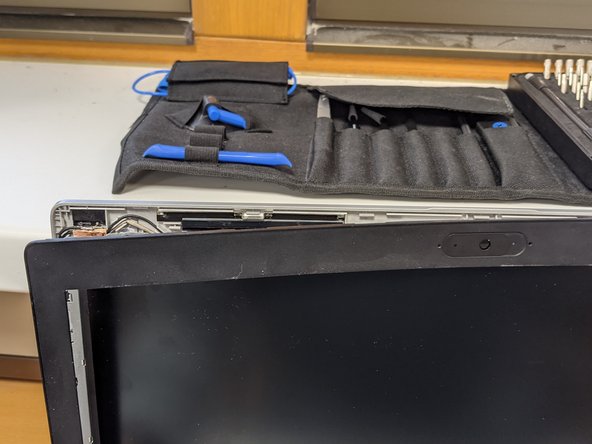
- Gently lift the Plastic Cover and move around the Screen doing this
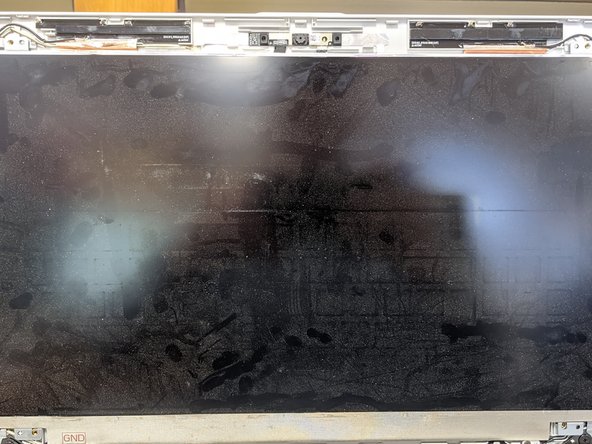
- Remove the 4 Screws and gently Pull the Screen towards you
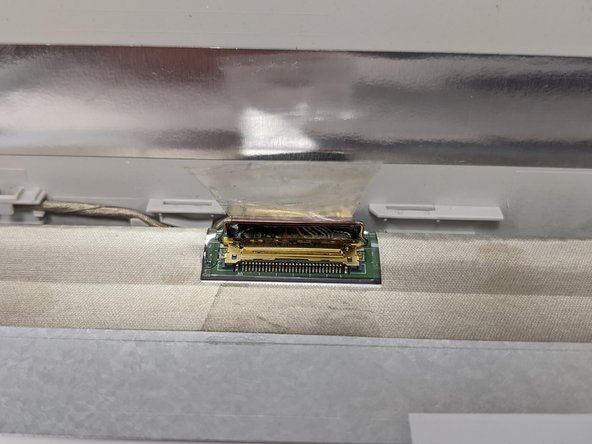
- Lay the Screen gently on the Keyboard of the Laptop and unplug the Display Cable
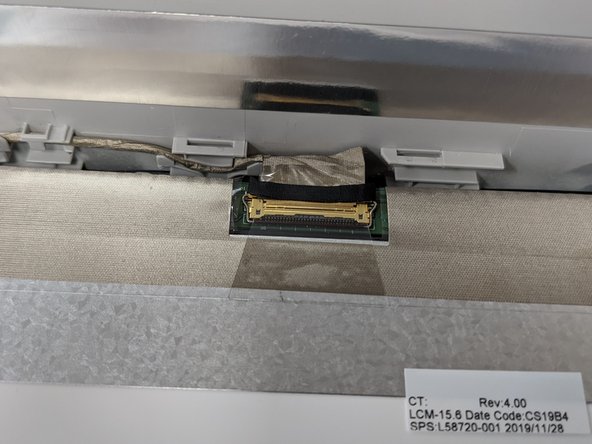
- To unplug the cable you need to pull up the adhesive Foil and lift the little Lever which secures the Display Cable
- Remove the old screen
- Place the new Screen on the keyboard and align it with the Display Cable
- Slide the Cable in the Connector and secure it with the Lever and the adhesive foil
- Place the new Screen on the Little Plastic nobs and Screw it in using the old srews
- After that place the Plastic cover on Top and gently Press in around the side