Microsoft Lumia 650 Battery Replacement
ID: 139594
Description:
Steps:
- Press and hold the power button and swipe down to power off the device.
- Remove the back cover by prying up from the bottom.
- The back plastic is fairly bendable, but take care not to bend it too much while pulling it off the back.
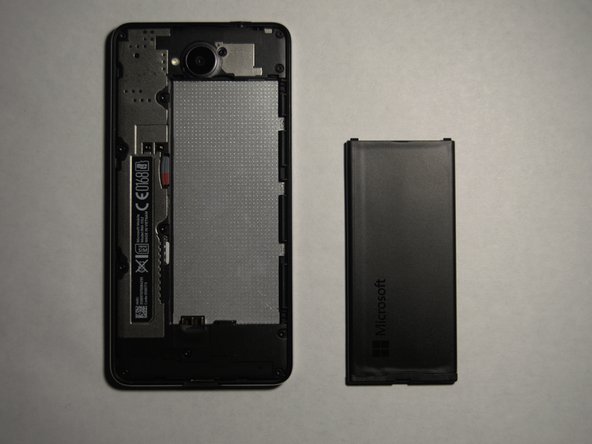
- With the back of the phone removed, lift the battery from the top and remove it.
- Always be careful with batteries, even if they seem protected. Store it in a safe place, or dispose of the old one properly.
- You can now replace the battery.