Samsung Water Filter (Horizontal Filter) Replacement
ID: 141847
Description: This guide shows how to remove and replace the...
Steps:
- Open both French doors for the refrigerator compartment.
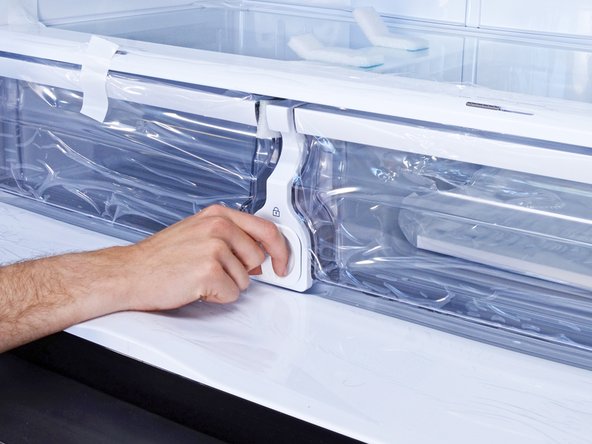
- Locate the water filter.
- On this model, the filter can be found at the bottom of the main compartment, between the crisper drawers.
- Twist the water filter cap counter-clockwise until it's loosened from its housing.
- Pull the water filter straight out of its housing and remove it.
- When you install the replacement filter, remember to remove the cap on the new filter.
- Run the water to flush the filter and check for leaks for a few minutes.
- Press reset on the filter indicator.